Best Photo Paper for Passport Photos: 180 GSM vs 210 GSM vs 260 GSM Glossy
By Shrikant Yadav • Practical passport-photo printing guidance • Reviewed September 2026
For home passport-photo printing, many users choose photo paper in roughly the 180 to 260 GSM range, but the right choice depends on the printer's supported media weight, ink system, finish and the receiving authority's instructions. Glossy, semi-gloss and matte papers behave differently, so check your printer manual and use any paper type specifically requested for the application.
1. GSM Weight Comparison Table
| Paper Weight | Finish & Coating | Durability & Feel | Application / Print Consideration |
|---|---|---|---|
| 75-100 GSM | Plain Copy Paper | Flimsy, absorbs ink & curls | Usually a poor photo-print choice; verify the receiving authority and printer requirements |
| 180 GSM | Cast Coated Glossy | Light cardstock | Light photo-paper option; suitability depends on the application and printer |
| 200-240 GSM | Resin Coated (RC) Glossy | Stiff photographic card | High-detail photo printing option |
| 260-300 GSM | Heavyweight Studio Card | Ultra stiff studio feel | Heavy photo-paper option; check printer feed limits and application requirements |
2. Glossy vs Matte Surface Guidelines
Smooth glossy or semi-gloss paper can reproduce fine portrait detail well. Highly textured surfaces can soften small features in a print, so choose the finish that gives a clear result and matches any paper requirement stated by the receiving passport authority.
Frequently Asked Questions
What is the best paper GSM for printing passport photos in India?
200 to 240 GSM is one commonly available photo-paper range, but it is not a universal passport-photo requirement. Choose paper that your printer supports and that matches the receiving authority's current print instructions, then judge color, surface handling and sharpness from a test print.
What is the difference between normal 75-80 GSM copier paper and photo paper?
Standard 75–80 GSM copier paper can absorb ink differently from dedicated photo paper and may curl, bleed, or look dull depending on the printer. If the passport application requires photographic paper, use a suitable photo stock; if it does not specify paper, prioritize a clean, accurately sized print.
Should I use Glossy, Semi-Gloss (Satin), or Matte photo paper for Indian passport photos?
Glossy and semi-gloss photo papers can reproduce fine portrait detail well, while strongly textured papers can soften small features. If the receiving passport authority specifies a paper type or finish, follow that instruction; otherwise choose a paper your printer handles reliably and verify the final physical size.
Can 260-300 GSM heavy photo paper be used in standard home inkjet printers?
Heavier photo paper can be harder for some desktop printer feed paths to handle. Check the printer manufacturer's supported media weights and feed instructions before choosing a thick sheet; compatibility varies by model.
What are the top recommended photo paper brands in India?
Kodak RC Glossy 230 GSM, Epson Premium Glossy 250 GSM, Oddy Glossy Photo Paper 210 GSM, and NovaJet 200 GSM are widely used and reliable.
How long do inkjet passport photos printed on 200+ GSM RC paper last?
Print longevity varies substantially with ink chemistry, paper coating, printer, light, humidity, storage and handling. Use the printer and paper manufacturer's permanence guidance when longevity matters; PhotocopyWale does not assign a universal lifespan to a passport-photo print.
 Author & Editorial Review
Authored and verified by Shrikant Yadav (https://shrikantyadav.com/), Lead Developer at Photocopy Wale.
Generate Your Print Sheet Now
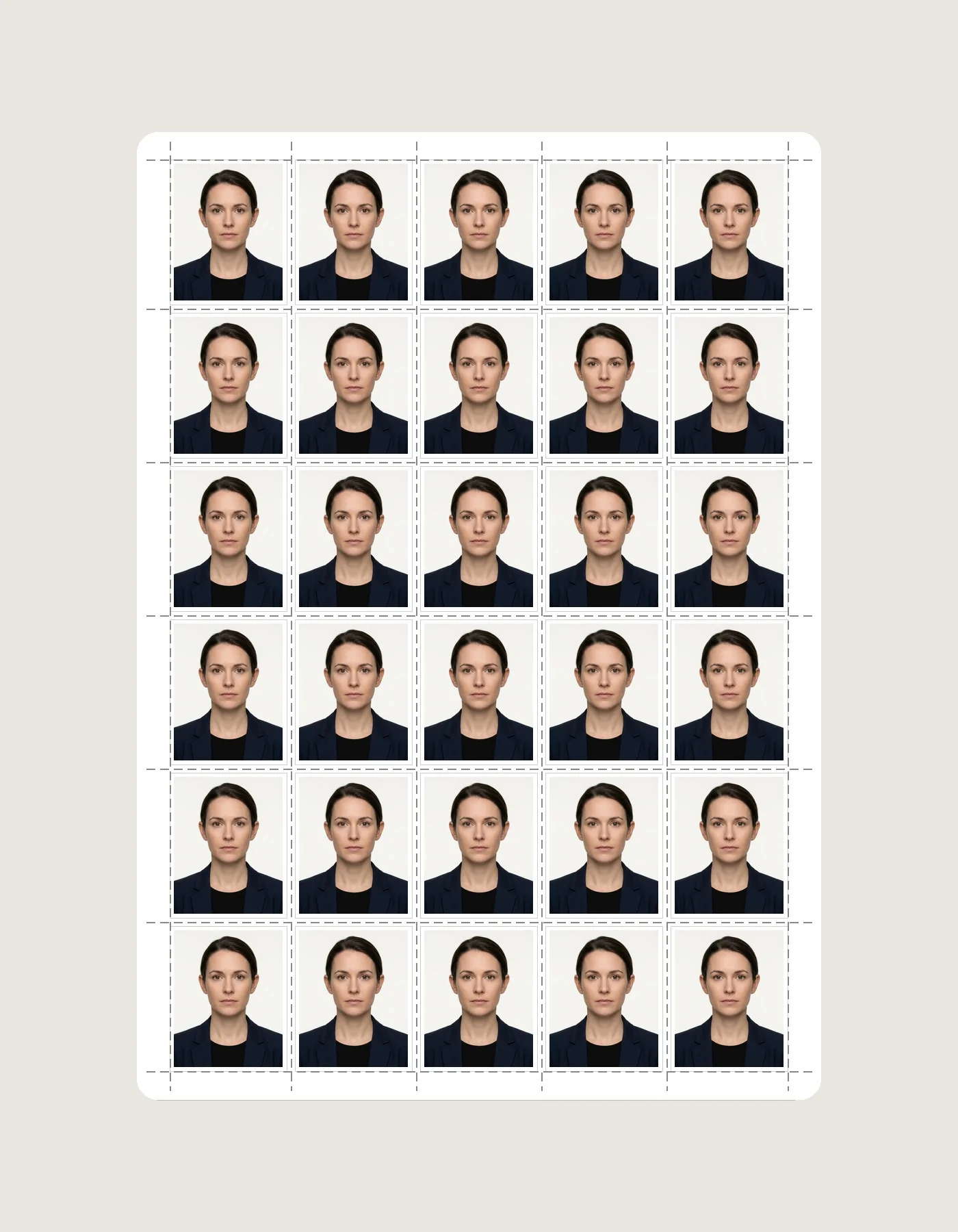
Export an A4 passport-photo sheet, then choose printer-compatible photo media and verify the finished dimensions with a test print.
Open Passport Photo Studio