
Passport Photo Size Chart & Conversion Directory
A practical passport-photo reference for millimeters, centimeters, inches, aspect ratios, pixel conversions, and print-sheet dimensions. Use the calculations here as preparation aids and verify the actual requirement for your passport application.
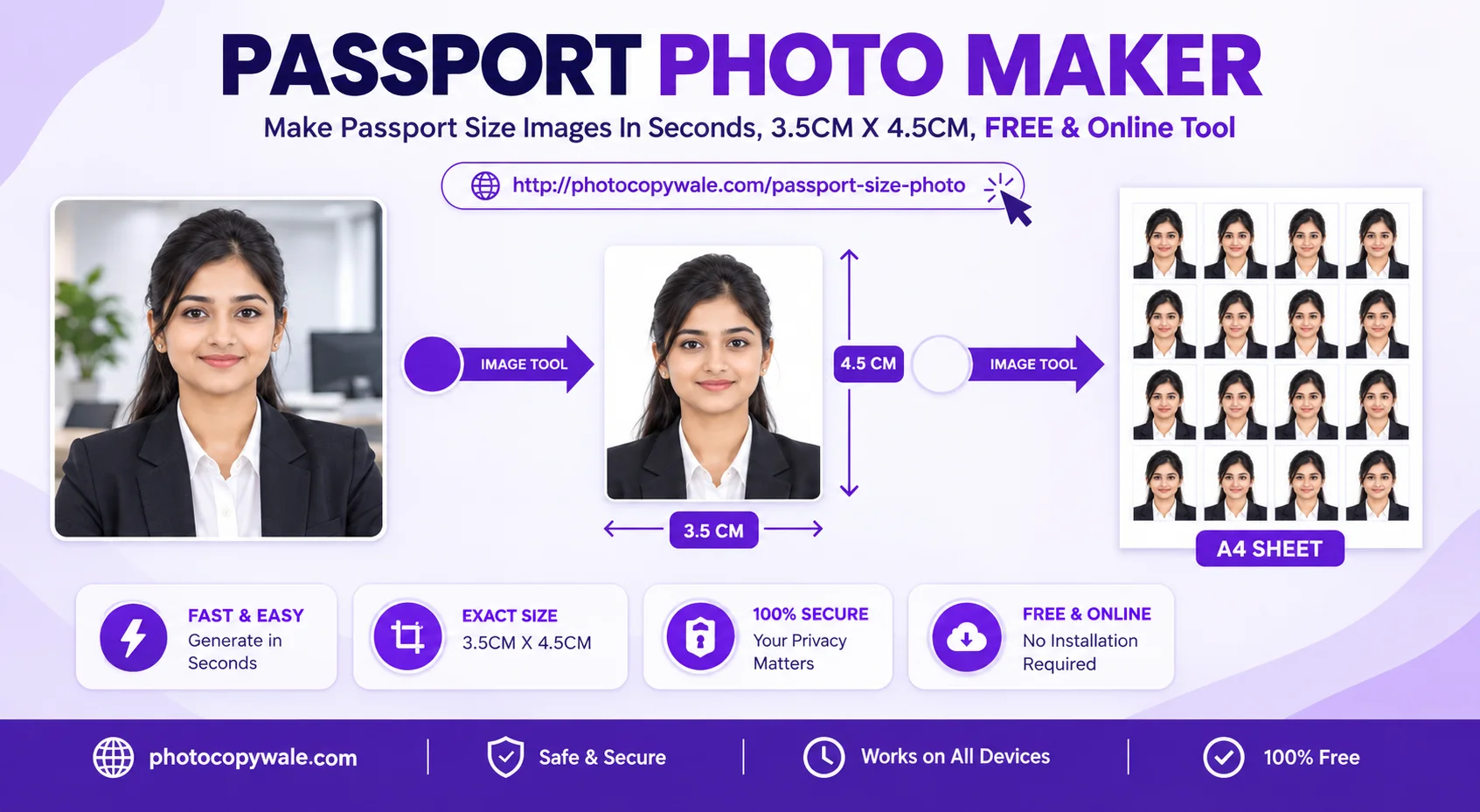
A passport-photo requirement can be expressed as a physical size, a pixel size, an aspect ratio, a file-size limit, or a combination of these. For example, 35 × 45 mm equals 3.5 × 4.5 cm and has a 7:9 aspect ratio; at 300 PPI it is approximately 413 × 531 pixels. These are mathematical conversions, not a universal passport requirement.
1. Passport Photo Measurement Examples
Unit conversionsThese rows demonstrate the relationship between physical size, aspect ratio and pixels. They are useful when an application gives you one unit and you need another. They are examples, not country-specific requirements.
| Example format | Millimeters | Centimeters | Aspect ratio | Approx. pixels at 300 PPI |
|---|---|---|---|---|
| 35 × 45 mm portrait | 35 × 45 mm | 3.5 × 4.5 cm | 7:9 | ≈ 413 × 531 px |
| 2 × 2 inch square | 50.8 × 50.8 mm | 5.08 × 5.08 cm | 1:1 | 600 × 600 px |
| 30 × 40 mm portrait | 30 × 40 mm | 3 × 4 cm | 3:4 | ≈ 354 × 472 px |
| 40 × 50 mm portrait | 40 × 50 mm | 4 × 5 cm | 4:5 | ≈ 472 × 591 px |
2. Convert mm, cm & Inches Correctly
Passport-photo instructions may use millimeters, centimeters, inches, or pixels. Converting the unit does not change the physical shape of the photo. It simply expresses the same measurement in another unit. Keep width first and height second so a portrait requirement is not accidentally rotated.
Millimeters → centimeters
Divide each millimeter value by 10.
45 mm ÷ 10 = 4.5 cm
Millimeters → inches
Divide each millimeter value by 25.4.
45 ÷ 25.4 ≈ 1.77 in
Inches → millimeters
Multiply each inch value by 25.4.
3. Convert Physical Size to Pixels
To calculate pixels from a physical size, use pixels = millimeters ÷ 25.4 × PPI. PPI means pixels per inch for the image. Printer “DPI” is often used casually in the same conversation, but the two terms describe different parts of the imaging process. For file preparation, the actual pixel width and height are usually the clearest values to inspect.
| Physical example | 150 PPI | 200 PPI | 300 PPI | 600 PPI |
|---|---|---|---|---|
| 35 × 45 mm | ≈ 207 × 266 | ≈ 276 × 354 | ≈ 413 × 531 | ≈ 827 × 1063 |
| 30 × 40 mm | ≈ 177 × 236 | ≈ 236 × 315 | ≈ 354 × 472 | ≈ 709 × 945 |
| 40 × 50 mm | ≈ 236 × 295 | ≈ 315 × 394 | ≈ 472 × 591 | ≈ 945 × 1181 |
| 2 × 2 inch | 300 × 300 | 400 × 400 | 600 × 600 | 1200 × 1200 |
These numbers are mathematical examples only. If the application specifies exact pixel dimensions, use those dimensions directly instead of converting from a different physical size. If it specifies only a physical print size, preserve enough source resolution for a clear print and verify the printed measurement with a ruler.
4. Aspect Ratio, Cropping & Stretching
Aspect ratio is the relationship between width and height. A 35 × 45 mm rectangle simplifies to 7:9; a 2 × 2 inch square is 1:1. When the source photo has a different shape, crop away extra space rather than stretching the face to force the target ratio.
Crop to change composition
Cropping removes content from the edges while keeping facial proportions unchanged. Use crop, pan, and zoom together so the target rectangle is filled without distortion.
Do not stretch to change ratio
Independent width and height scaling can make the face look wider or narrower. For an identity photograph, preserve the person’s natural geometry and crop instead.
2. Pixel Density, Dimensions & File Size
Pixel dimensions and file size are different properties. A 413 × 531 pixel JPEG can be saved at several different file sizes depending on compression and image detail. Likewise, changing a metadata DPI value does not by itself create new image detail.
| If the application specifies... | What to control | What not to assume |
|---|---|---|
| Physical size in mm/cm/in | Crop ratio, intended print dimensions and print scaling | That 300 PPI is always required |
| Exact pixel dimensions | Final width × height in pixels | That a matching physical size is also required |
| Maximum file size | JPEG/WebP compression and final KB | That reducing KB should distort the aspect ratio |
| File format | Export format requested by the portal | That every portal accepts every image format |
6. Photo Paper Formats & Capacity
Vector PDF 1:1 Scale| Paper Format | Dimensions (mm) | 35×45 mm Capacity | What affects usable capacity | Action |
|---|---|---|---|---|
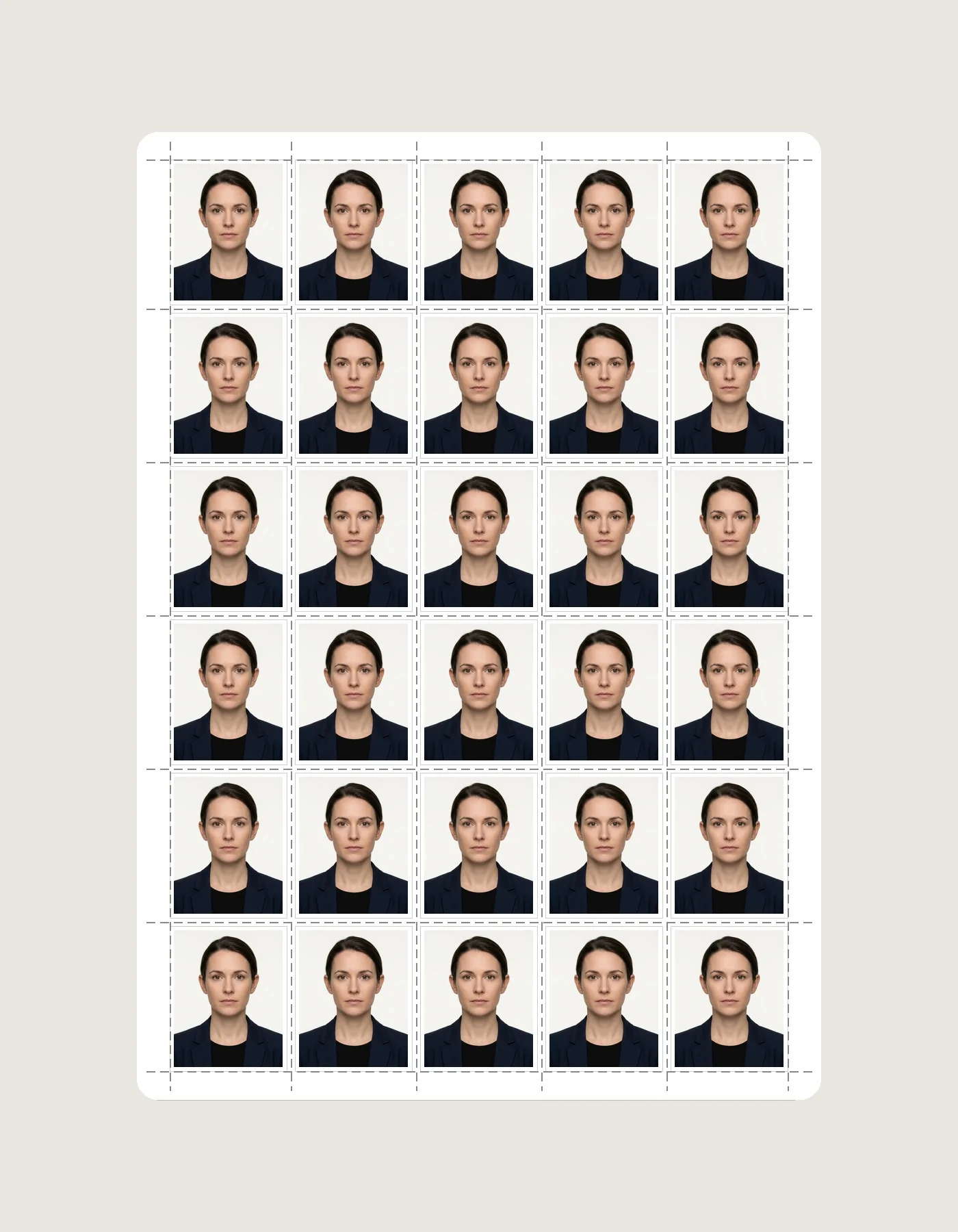
| A4 Photo Paper Sheet | 210 × 297 mm | 30-36 Photos (5×6 / 6×6) | Margins, spacing, border, printer-safe area | Guide → |
| 4×6" (4R Photo Card) | 101.6 × 152.4 mm | 8 Photos (4×2) | Selected photo size, orientation and spacing | Guide → |
| 5×7" (5R Photo Card) | 127 × 177.8 mm | 12-15 Photos | Selected photo size, margins and border | Guide → |
7. Measure a Test Print Before Batch Printing
Even a mathematically correct sheet can print at the wrong physical size if the printer driver scales the page. Before printing many copies, use the intended paper size, avoid unintended “Fit to Page” or “Shrink” scaling when exact dimensions matter, and print a single test sheet.
Print one sheet
Use the paper size for which the sheet was generated. Keep orientation consistent with the exported layout.
Measure one photo
Use a millimeter ruler. If the intended example is 35 × 45 mm, verify both width and height on paper.
Correct scaling if needed
If the print is smaller or larger, review the driver’s scaling, borderless, and printable-area settings before cutting the batch.
8. Requirement Verification Workflow
The safest way to use any size table is to separate the requirement from the conversion. PhotocopyWale can help with the conversion and preparation; the receiving passport authority defines the requirement.
| Check | Write down | Then do this |
|---|---|---|
| Physical dimensions | Width × height + unit | Choose matching custom size or preset |
| Digital dimensions | Exact or minimum pixels | Export and verify file properties |
| File size | Minimum / maximum KB or MB | Compress without changing required ratio |
| Background | Required color/tone | Clean edges and use the stated color |
| Capture / editing | Upload, live capture, or print; editing restrictions | Do not use a workflow the authority does not allow |
| Paper size, photo size, finish if specified | Generate sheet, test print, measure, then cut |
Frequently Asked Questions (Photo Dimensions)
How do I convert 35 × 45 mm into centimeters and inches?
35 × 45 mm equals 3.5 × 4.5 cm and approximately 1.38 × 1.77 inches. This is a unit conversion; verify whether 35 × 45 mm is the size your passport application actually requests.
How many pixels is 35 × 45 mm at 300 PPI?
Using pixels = millimeters ÷ 25.4 × PPI, 35 × 45 mm at 300 PPI is approximately 413 × 531 pixels after rounding.
How many passport photos fit on a standard A4 photo paper sheet?
A4 paper is 210 × 297 mm. Capacity depends on photo size, margins, spacing, borders and printer-safe area, so use the print-sheet layout preview to determine the actual count.
Is file size in KB the same as pixel dimensions?
No. Pixel dimensions describe width and height, while KB describes the encoded file size. You can often reduce JPEG file size without changing the pixel dimensions, although excessive compression can reduce visible quality.
Should I always use 300 PPI for a passport photo?
No universal PPI value applies to every application. Use the resolution or pixel dimensions requested by the receiving authority. For print calculations, 300 PPI is a useful worked example because it makes the mm-to-pixel relationship easy to demonstrate.
How should I choose the correct passport-photo size?
Use the current instructions published for the passport application you are completing. Note the requested physical dimensions, pixel dimensions, file-size limit, format, background and any pose or recency rules before editing.
Compiled and maintained by Shrikant Yadav (https://shrikantyadav.com/). Mathematical conversions are checked independently; authority-specific passport requirements must be verified from the receiving authority's current instructions. See the Passport Photo Information Policy.
Prepare a Passport Photo to Your Required Dimensions
Upload a clear portrait, choose a passport-photo preset or custom dimensions, then review crop, export and print settings against the requirements of your application.
Open Passport Photo Studio