
Passport Photo Compressor
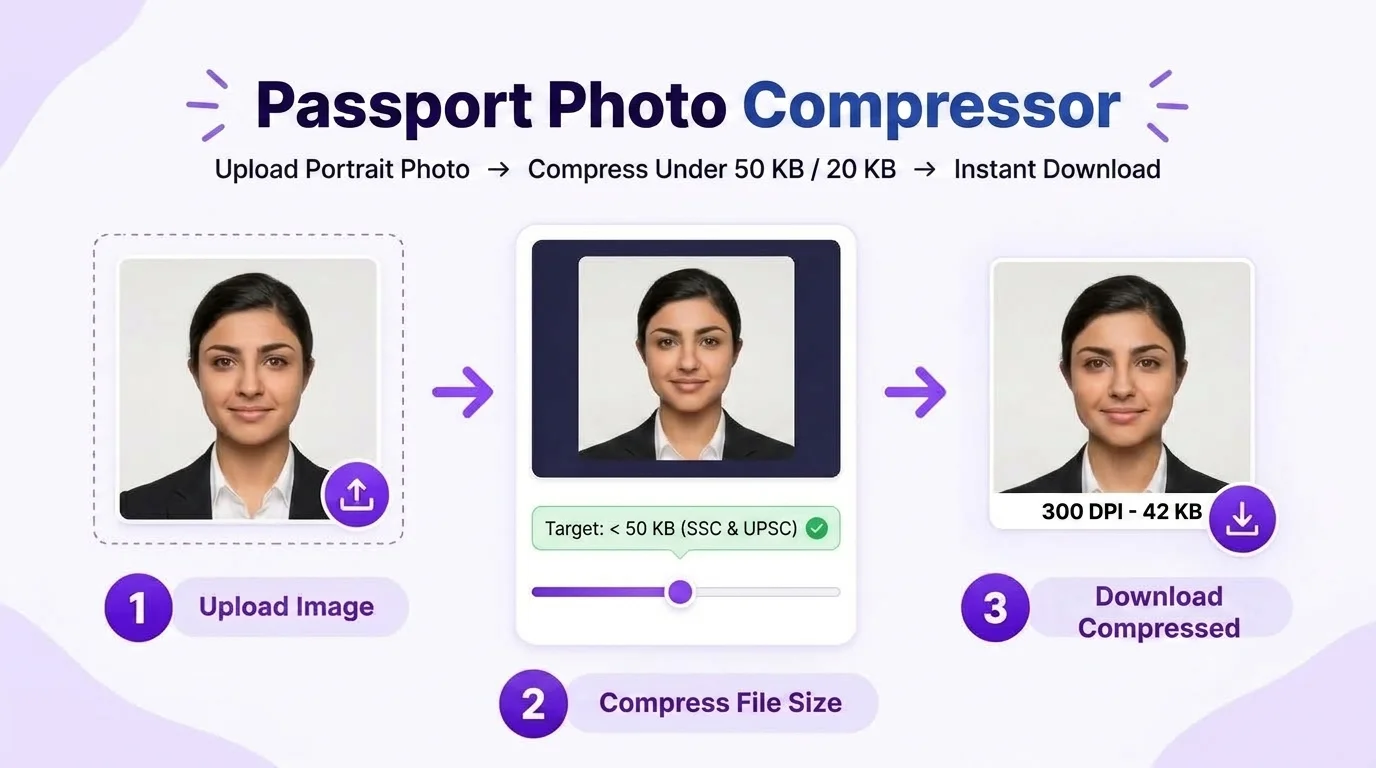
Compress passport photos toward common upload limits such as <20 KB, <50 KB or <100 KB while keeping the selected dimensions. Review the downloaded file because aggressive compression can reduce detail, and verify the exact limit in your passport application.
Directly compressing an existing photo? If you need cropping, background preparation, or a name/date caption requested by your application first:
Passport Photo Compressor
Instantly reduce file size to < 50 KB, < 20 KB, or < 100 KB for Sarkari portals
Iterative Client-Side File Size Optimization Under 50 KB & 20 KB
More Dedicated Tools in Passport Photo Studio
All tools share your active photo session. Switch between tools without re-uploading:
Use a selected passport-photo ratio with visual face-position guides.
Passport Photo EnhancerSolid pure white background (#FFFFFF) and studio lighting balance.
Passport Photo Name & DateOptional name/date caption strip for applications that explicitly request one.
Passport Photo Print SheetTile 30 photos on A4 or 8 on 4×6" with safe print margins & cut lines.
Passport-Photo Upload File-Size Examples
Upload forms can enforce minimum or maximum file-size rules. The examples below show why the target must come from your current passport application rather than from a universal KB rule:
| Upload scenario Authority | Photo Size Limit | Practical note | Format | Dimensions |
|---|---|---|---|---|
| Example: maximum 20 KB | Target below 20 KB | Use only when your photo instruction says so | Match the application | Keep the requested pixel/physical dimensions |
| Example: maximum 50 KB | Target below 50 KB | Leave quality headroom | Match the application | Do not stretch the crop to reduce KB |
| Example: maximum 100 KB | Target below 100 KB | Inspect final detail | Match the application | Verify width × height after export |
| Custom maximum | Use the stated KB limit | Aim slightly below the cap | Use the requested format | Use the requested dimensions |
| Minimum + maximum range | Stay inside both limits | Do not over-compress | Use the requested format | Confirm dimensions independently |
| Print-first workflow | File KB may be secondary | Prioritize print dimensions/detail | Choose an appropriate export | Measure the physical print |
How Does Photocopy Wale Compress Photos Without Loss of Quality?
Iterative Binary Search
Our compression algorithm performs up to 8 real-time binary-search passes in your browser memory, converging on the exact maximum quality that stays under your chosen KB threshold.
Visual Detail Review
Strong compression can introduce blockiness around eyes, hair and edges. PhotocopyWale attempts to retain useful portrait detail while reducing the encoded file size; always inspect the final image at 100% zoom.
Browser-Based Core Processing
The core compressor is designed to process the image in the browser. The Privacy Policy separately explains local draft/session storage and any optional connected services, so users can understand the actual data flow.
Top 4 Compression Mistakes to Avoid
Some upload forms specify both a minimum and a maximum file size, while others specify only a maximum. Read the current upload instructions and target that range rather than assuming 20–50 KB applies everywhere.
Taking a screenshot can resample or recompress an image and may change its pixel dimensions or file size. Export from the tool directly when possible, then verify the downloaded file instead of relying on a screenshot.
Do not assume every upload system accepts the same JPEG encoding. Export the format requested by the current application and verify the downloaded file before submission.
Excessive compression blurs candidate name and date digits. Very aggressive compression can soften small text and facial detail, so inspect the exported image and use a less aggressive target when the application allows it.
Need to Compress Multiple Photos or Signatures at Once?
Use our Bulk Passport Image Compressor to process multiple passport-style photos toward the file-size targets required for each workflow. Review every output because very small KB targets can reduce visible detail.
Create, Crop & Print Passport Photos in One Place
Our flagship Passport Size Photo Maker includes selectable crop dimensions, background controls, optional name/date captions, compression and multi-photo print sheets.
Frequently Asked Questions About Photo Compression
How do I compress a passport photo under a 50 KB upload limit?
Upload the photo and choose the under-50-KB export when your application specifies that maximum. Check the downloaded file size before submission; the receiving portal, not PhotocopyWale, determines whether the file meets all of its requirements.
Can I target a passport photo below 20 KB?
Yes. Choose an under-20-KB target when your application asks for it. Very small targets can reduce visible quality, so inspect the face and edges after compression and use the largest allowed file size when practical.
Can strong compression make a passport photo look blurry?
It can. Reducing file size usually means discarding some image information. PhotocopyWale aims to balance JPEG quality against the target KB size, but you should inspect eyes, hair edges and facial detail after aggressive compression.
Are my private photos uploaded to a cloud compression server?
The core compressor is designed to run in the browser. Browser storage and optional connected services are described separately in the Privacy Policy, so this page does not make a blanket zero-upload promise for every feature.
What file size should I use for a passport-photo upload?
Use the minimum/maximum KB range stated by the passport application or upload form. If it gives only a maximum, target a file comfortably below that maximum while keeping enough visual detail for the portrait.
What file format does the compressor output?
The compressor can export JPEG for workflows that request it. Always use the file format explicitly listed by the passport application because not every upload form accepts the same formats.