
Passport Photo Requirements: What to Check Before You Submit
Passport-photo requirements vary by authority, country, application type, and capture method. Use this page as a preparation checklist, then verify the current official instructions for the exact service receiving your photo.
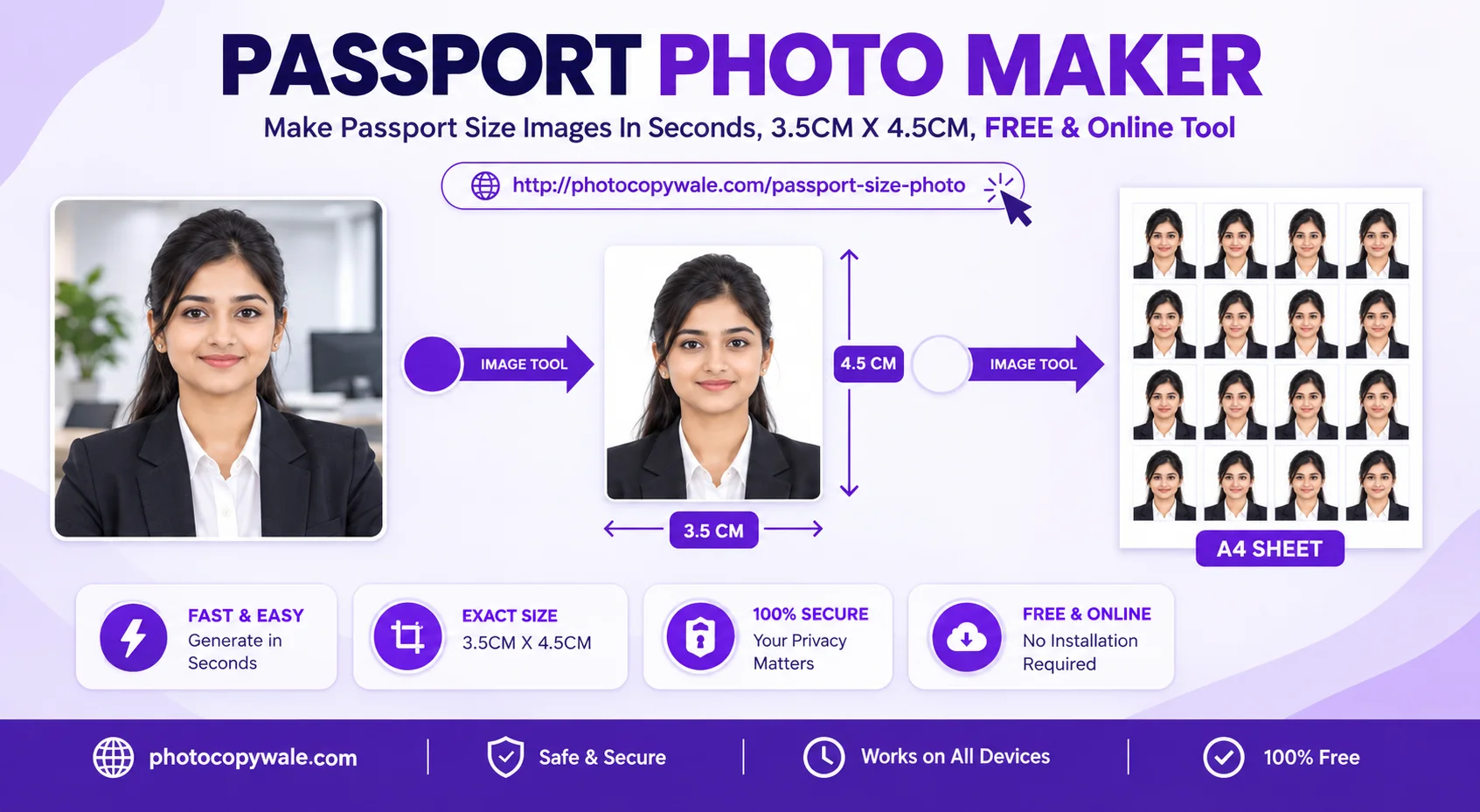
Passport Photo Pre-Submission Check Matrix
8 Key CheckpointsA common example is 35 × 45 mm, but dimensions are not universal. Convert units only after confirming the required size.
Use crop guides as visual aids, keep natural facial proportions, and avoid assuming one head-height percentage applies everywhere.
Keep the background even and inspect edges around hair, ears, neck, shoulders, and clothing after any background edit.
If a neutral expression is requested, avoid exaggerated smiling or facial movement and keep the eyes clearly visible.
Avoid deep facial shadows, blown highlights, red-eye, strong color casts, and heavy processing that removes real facial detail.
Rules can differ for glasses, religious or medical head coverings, uniforms, and clothing contrast. Do not rely on a universal rule.
Compression changes file size; resizing changes pixel dimensions. Check both separately before uploading.
Use suitable photo paper, avoid unintended printer scaling, and confirm the printed width and height with a ruler.
Digital Upload vs. Printed Photo: What to Verify
- • Pixel dimensions: use the exact width and height requested by the application
- • File format: use the format accepted by the current portal
- • File size: stay inside the current minimum/maximum KB or MB range
- • Color/profile: preserve normal color unless the instructions specify otherwise
- • Physical size: print the width and height required for the application
- • Paper/finish: use the paper type requested by the authority or suitable photo paper
- • Print scaling: avoid automatic resizing when exact physical dimensions matter
- • Measure a test print with a ruler and inspect the cut edges
Requirements vary by country and application. Always check the official instructions for the specific document, visa, or exam you are applying for.
Where to verify current requirements
For an Indian passport process, use the current Passport Seva instructions for the exact service and applicant type. For visas or other countries, use the relevant passport authority, embassy, or consulate. PhotocopyWale is an independent preparation tool and is not the issuing authority.
Frequently Asked Questions About Photo Requirements (10 Answers)
1. Can I smile or show teeth in a passport photo?
Expression rules vary. If your application asks for a neutral expression, use a relaxed face with the mouth naturally closed and follow the wording in the current official instructions.
2. Are prescription eyeglasses allowed in Indian passport photos?
Check the current authority-specific rule for glasses. If they are allowed, make sure the eyes remain clearly visible and avoid glare or tinted lenses unless explicitly permitted.
3. Can I wear religious headwear like a turban or hijab in passport photos?
Religious or medical head-covering rules can have exceptions. Check the official instructions for the receiving authority and keep the required facial area visible.
4. Are beards and moustaches allowed in passport size photos?
Yes. If you normally maintain facial hair, you can keep your beard or moustache in the photo.
5. How recent must my passport photo be before submitting an application?
Use a recent photo that reflects your current appearance. The exact recency period, if any, is set by the receiving authority and should be checked in the current instructions.
6. What are the digital file size limits for Passport Seva portal uploads?
Digital upload rules are process-specific. Some passport workflows capture the photograph in person; if your application asks for an upload, use the file format, pixel dimensions, and size limits shown in the current official instructions.
7. Can I wear a school or military uniform in a passport photo?
Clothing requirements vary. Use ordinary clothing that gives clear separation from the background unless your application provides more specific instructions.
8. What are the rules for infant and baby passport photos?
Baby and infant rules can differ from adult rules. Check the current official child-photo guidance, especially for eye position, expression, support, and whether another person can appear in frame.
9. Why do red-eye or flash glare on the forehead cause photo rejection?
Red-eye and strong flash highlights can obscure eye and facial detail. Soft, even lighting usually produces a cleaner image and reduces the need for correction.
10. Can PhotocopyWale verify that my photo will be accepted?
No tool can guarantee an authority's acceptance. PhotocopyWale helps you apply the dimensions and settings you choose; compare the finished photo with the latest official instructions before submission.