Free
5 daily operations for guests and 20 daily operations after sign-in under the current quota system. A good fit for occasional passport-photo preparation.
Use Free Tools
Creating a usable passport-style photo should be straightforward. PhotocopyWale brings cropping, background preparation, compression, enhancement, captions, and print-sheet tools into one focused browser-based workflow.
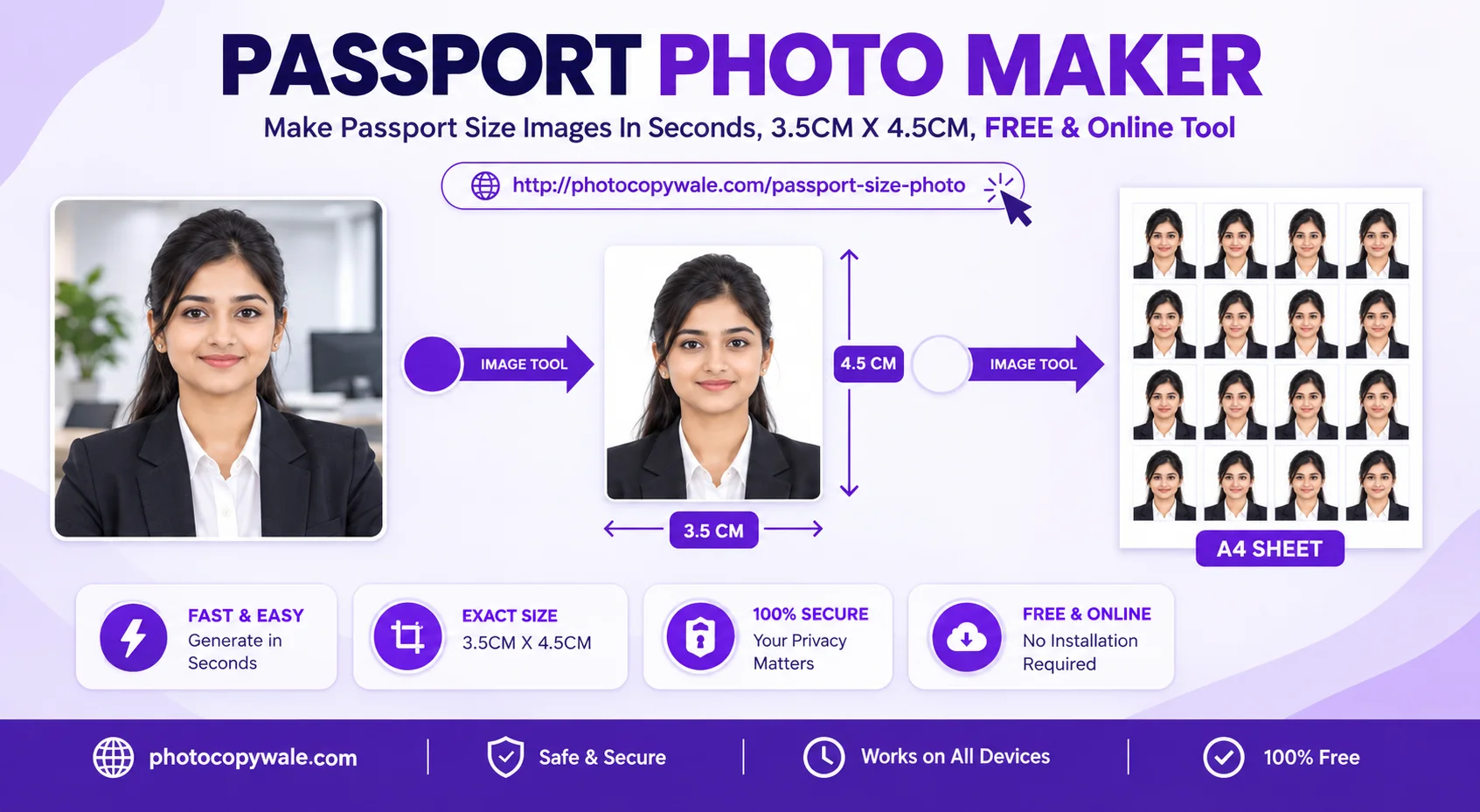
Purpose-built utilities for creating, preparing, checking, and printing passport-style photos:
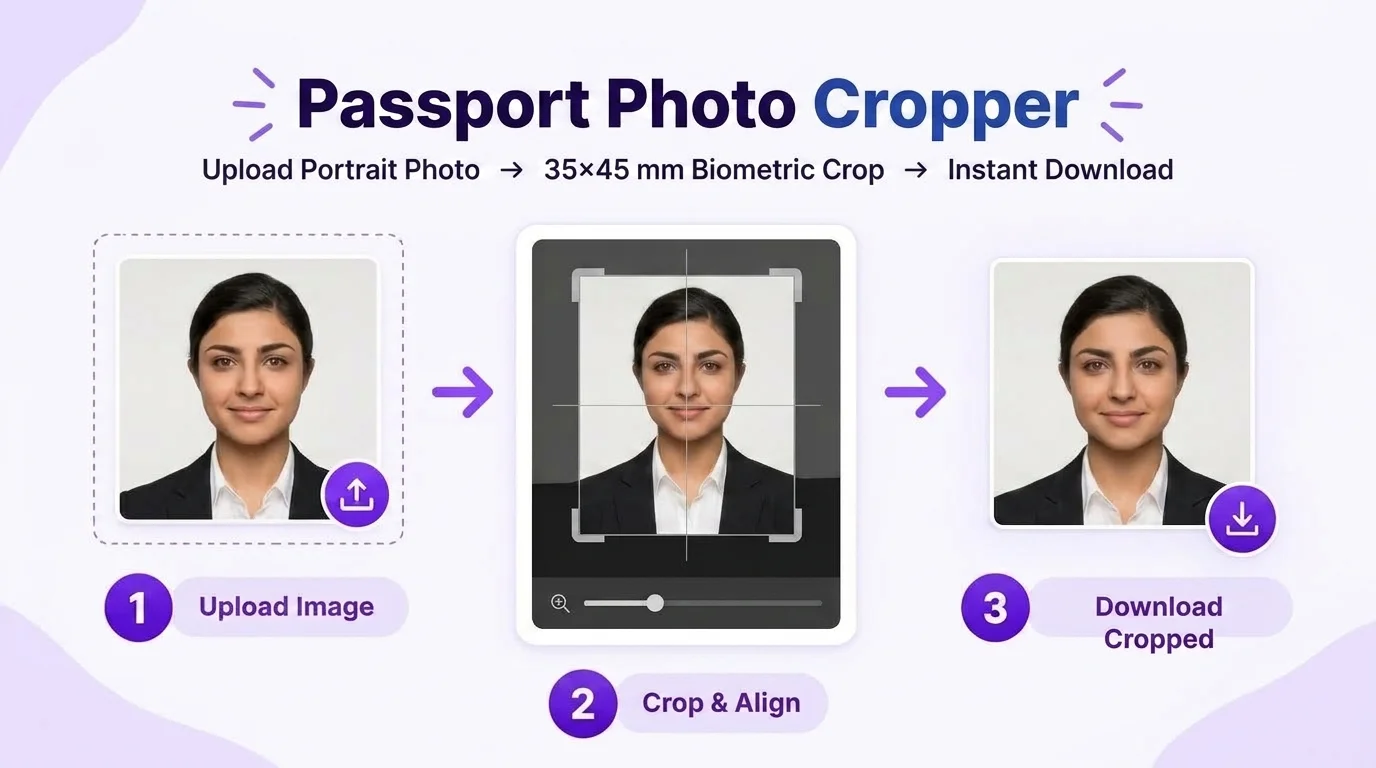
Use the alignment oval as a framing aid while cropping to 35×45 mm or another selected size. Verify the exact head-position and background requirements for the application you are preparing.
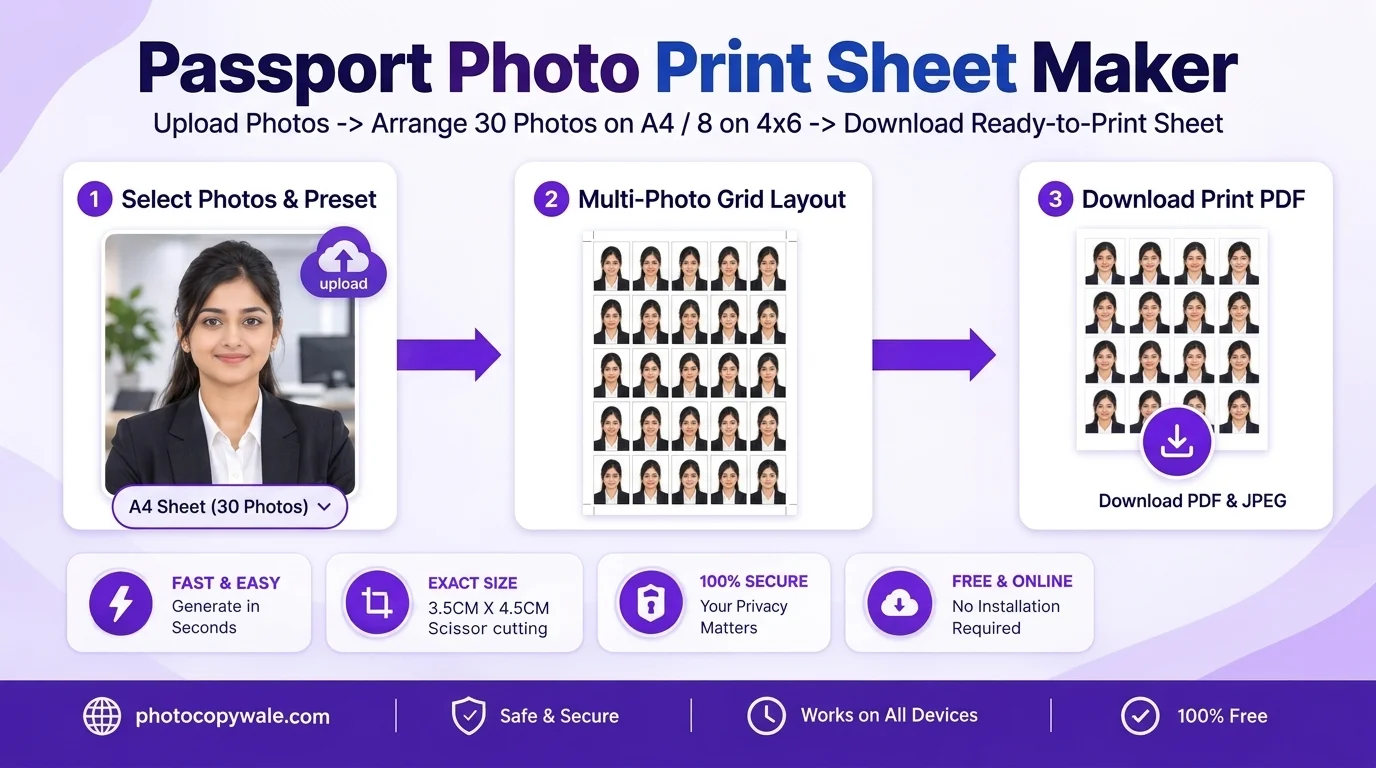
Tile 30 photos on A4 or 8 photos on 4×6" photo paper with 0.5pt scissor cutting hairlines and printer-safe margins.
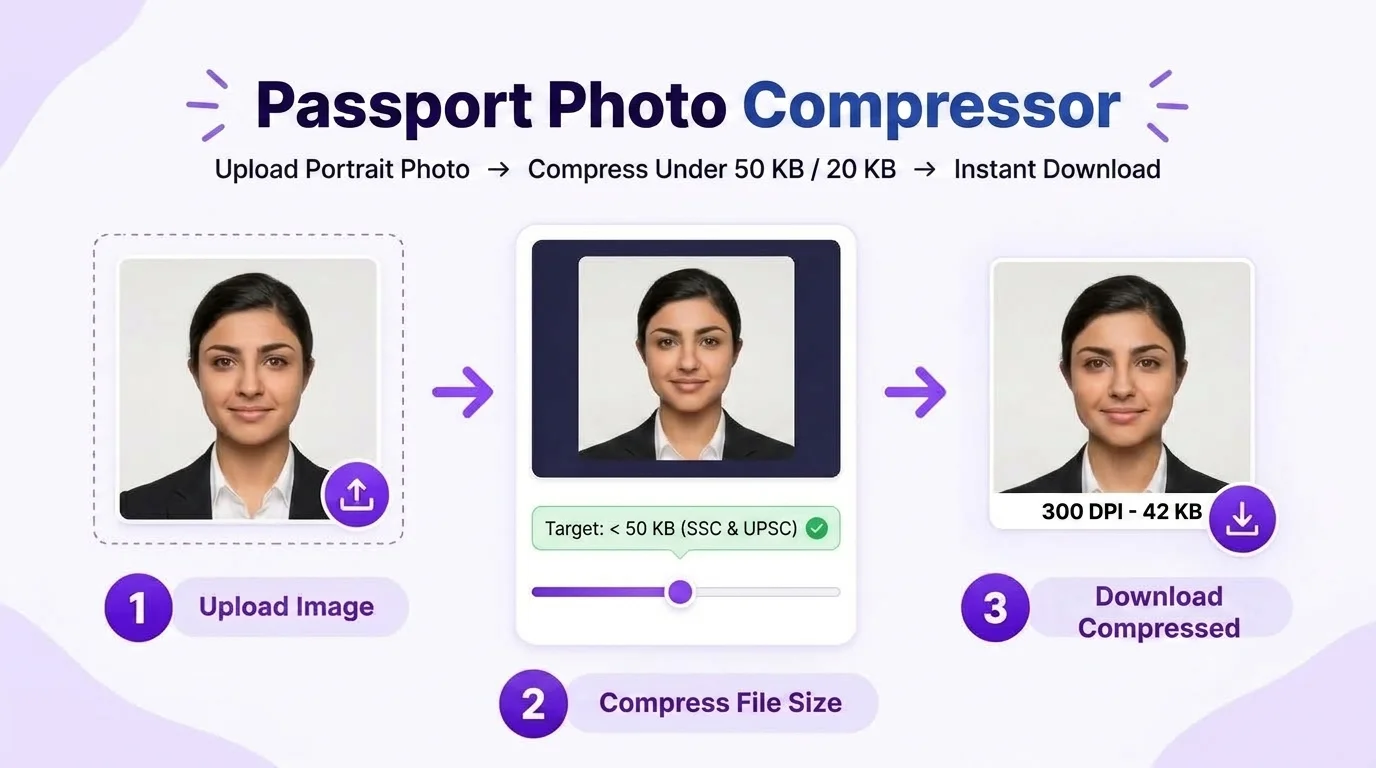
Reduce passport-photo file size toward common targets such as 50 KB or 20 KB while checking the resulting image quality and the current upload limit for your application.
PhotocopyWale keeps the core passport-photo workflow available for occasional use and offers a Pro option when the normal daily quota becomes limiting. Custom is reserved for bulk or unusual passport-photo requirements that need a feasibility review before anything is promised.
5 daily operations for guests and 20 daily operations after sign-in under the current quota system. A good fit for occasional passport-photo preparation.
Use Free ToolsIntended for frequent use of the existing passport-photo tools after support-assisted Pro activation. The current Pro account state removes the normal daily-operation quota.
Review Pro DetailsFor higher-volume or unusual passport-photo sizes, print layouts, file targets or workflows. Scope and price are confirmed only after the request is reviewed for feasibility.
See How Custom WorksPlan details can change as the product evolves. Check the current pricing page and confirm any paid or custom request before payment. A plan changes access to PhotocopyWale; it does not change the acceptance rules of a passport authority or other receiving organisation.
Bring Your Own Key (BYOK): If the optional connector is available to you, you can provide your own Google Gemini API key for AI-assisted editing. Google controls its current pricing, limits and privacy terms.
The optional Gemini connector is intended for Cyber Cafe operators, photo studio owners, and power users who choose to use AI-assisted passport-photo workflows. Availability and plan details can change, so check the current pricing page.
Across India, neighborhood photo, print, and cyber-cafe shops have long helped people prepare and print passport-style photographs. PhotocopyWale brings that focused photo-preparation workflow to the browser while keeping the product centered on passport photos rather than unrelated document utilities.
PhotocopyWale was created to make passport-photo preparation easier on phones and laptops. The site stays focused on the steps around a passport-style photo: capture guidance, crop, size, background, compression, enhancement, captions when requested, and printing.
Many general-purpose image websites split passport-photo preparation across unrelated tools. PhotocopyWale keeps the workflow focused on passport photos and explains what each setting actually changes:
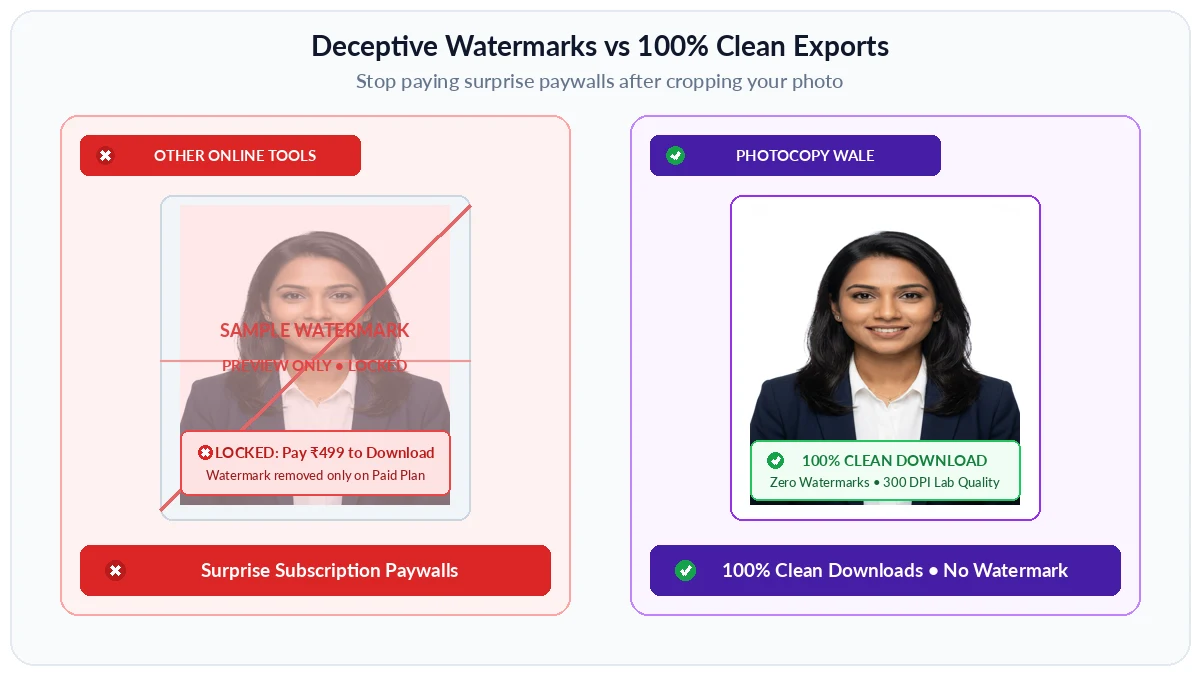
Our Solution: Photocopy Wale is designed to provide clean passport-photo exports without adding a visible watermark to the finished image.
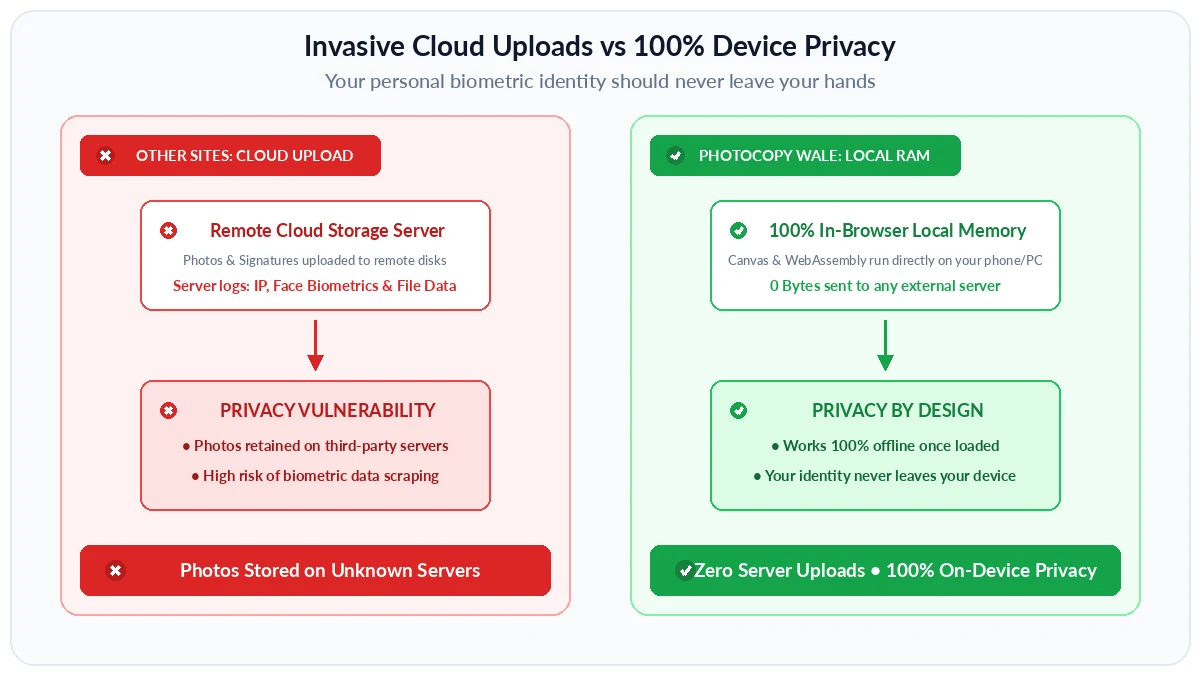
Our Solution: By default, our On-Device Privacy Engine processes photos directly in browser RAM without server transmission. You choose when to enable cloud processing.
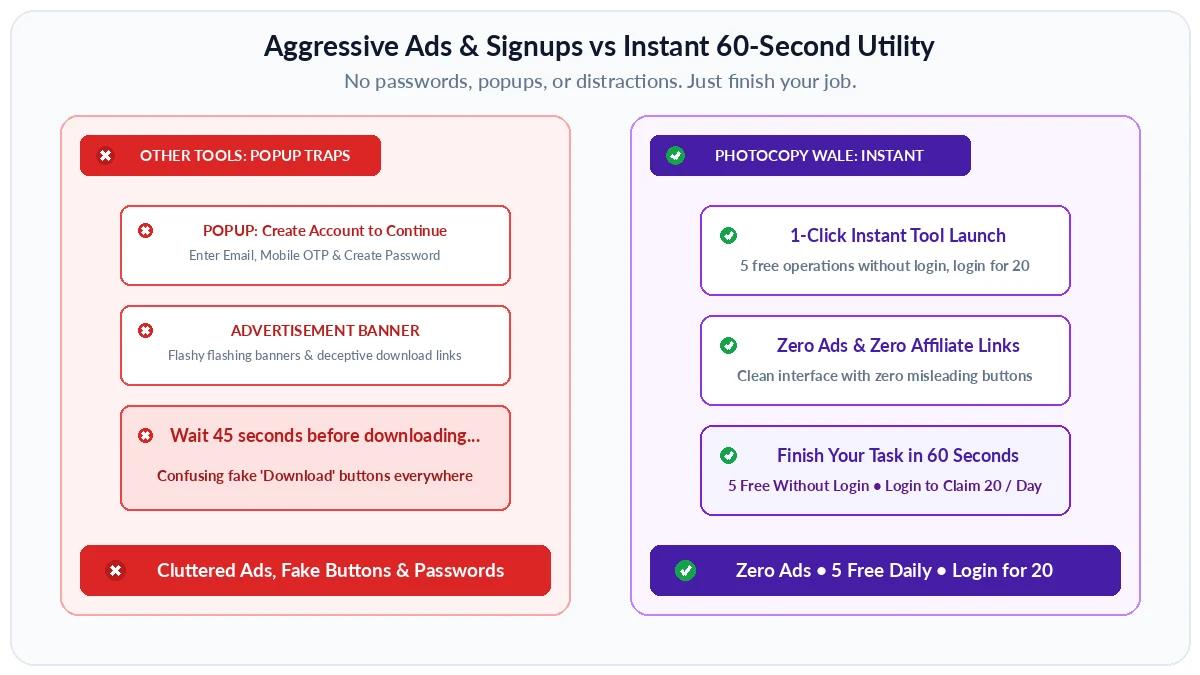
Our Solution: Zero ads, zero watermarks, and instant start. Use 5 operations free without login, or log in to claim 20 daily operations.
We build every passport-photo tool around people who need a clear, practical photo-preparation workflow:
Prepare passport-style photos for applications that accept uploaded or printed photos, while checking the current size, file, and capture instructions for the service you are using.
Prepare passport-style photos from home with simple guidance on capture, cropping, background cleanup, file size, and printing.
Focused passport-photo tools that help operators prepare customer photos, compression targets, and print sheets efficiently during busy workdays.
Quickly prepare passport-style photos on a phone or laptop without needing a full desktop photo-editing suite.
Four guiding principles that shape every tool and feature we build:
The core editing workflow is browser-based, and local browser storage may be used for drafts, preferences, sessions, or usage state. Optional connected features can have separate data flows.
5 free operations every day without login, plus log in anytime to claim 20 operations daily. Clean utilities that respect your wallet and daily routine.
Designed to work smoothly on everyday smartphones, budget laptops, and low-bandwidth connections without confusing jargon or heavy apps.
Passport-photo dimensions, print layouts, and practical preparation controls designed for common workflows in India, with reminders to verify the latest requirements from the receiving authority.
PhotocopyWale is an independent passport-photo platform focused on creating, preparing, and printing passport-style photographs in the browser. It combines a main photo maker with dedicated crop, compression, enhancement, background, caption, and print-sheet workflows.
Every visitor gets 5 free operations every single day with no registration required. When you need more, simply log in to claim 20 free operations every day. You can create passport photos, crop to 35×45 mm, whiten backgrounds, or download A4 print sheets. Daily counters reset automatically at midnight.
PhotocopyWale Pro is intended for frequent passport-photo users, cyber-cafe operators, and photo/print shops that need higher usage limits or commercial workflows. Check the pricing page for the current plans and included features.
The core photo-editing workflow is designed to process image data in your browser. The site can use browser storage for drafts, preferences, session state, and usage counters. Optional third-party or connected features may communicate with their provider, so review the relevant privacy information before using them.
No account, password, or mobile app installation is needed for your first 5 daily operations. You can use Photocopy Wale immediately in any web browser. When you want 20 daily operations, simply log in with your free account.
PhotocopyWale was founded by Shrikant Yadav as an independent platform focused on practical passport-style photo preparation, printing guidance, and related browser-based photo workflows.
Our flagship tool is the Passport Size Photo Maker. It helps users prepare passport-style photos with selectable dimensions, cropping, background controls, name-and-date captions when an application asks for them, compression, and printable sheets. Dedicated tools for cropping, compression, enhancement, and sheet layouts are also available.
The optional Google Gemini connector uses a Bring Your Own Key (BYOK) workflow. If you choose to connect an external AI provider, review that provider's current limits, pricing, privacy terms, and suitability for identity-photo editing before use. PhotocopyWale's core passport-photo tools do not require an external AI key.
Try our Passport Size Photo Maker to crop, size, adjust, compress, and prepare a passport-style photo in your browser. Always match the settings to the current instructions for your application.