
Passport Photo Size: Dimensions, Inches, CM & Pixels
Passport-photo dimensions can be expressed in millimeters, centimeters, inches, or pixels. This guide explains how those units relate, how PPI affects pixel counts, and why you should verify the exact size required by the passport authority receiving your photo.
35×45 mm Measurement Example
What Is a Passport Photo Size?
Passport photo size means the width and height requested for a passport photograph. A requirement may be expressed as physical dimensions for printing, pixel dimensions for a digital upload, or both. Keeping the requested aspect ratio prevents the portrait from being stretched when it is resized.
It is useful to separate Physical Dimensions (for example, 35 × 45 mm = 3.5 × 4.5 cm) from Digital Pixel Dimensions. At a chosen pixel density, physical size can be converted to pixels with the formula pixels = millimeters ÷ 25.4 × PPI. Digital upload limits should be taken from the current application instructions.
Passport Photo Size Examples & Conversions
These examples show measurement and aspect-ratio differences. They are not a substitute for current authority-specific requirements:
| Country / Document | Width × Height | Centimeters | Inches | 300 DPI Pixels |
|---|---|---|---|---|
| 35 × 45 mm portrait example | 35 × 45 mm | 3.5 × 4.5 cm | 1.38 × 1.77 in | 413 × 531 px |
| 25 × 35 mm portrait example | 25 × 35 mm | 2.5 × 3.5 cm | 0.98 × 1.38 in | 295 × 413 px |
| 20 × 25 mm small portrait example | 20 × 25 mm | 2.0 × 2.5 cm | 0.79 × 0.98 in | 236 × 295 px |
| 2 × 2 inch square passport example | 51 × 51 mm | 5.1 × 5.1 cm | 2.0 × 2.0 in | 600 × 600 px |
| 30 × 40 mm portrait example | 35 × 45 mm | 3.5 × 4.5 cm | 1.38 × 1.77 in | 413 × 531 px |
| 40 × 50 mm portrait example | 35 × 45 mm | 3.5 × 4.5 cm | 1.38 × 1.77 in | 413 × 531 px |
Passport Photo in CM
For a 35 × 45 mm example, divide millimeters by 10: the result is 3.5 × 4.5 cm. This conversion is exact. Use the size from your application rather than assuming the example is universal.
Passport Photo in Inches
To convert millimeters to inches, divide by 25.4. A 35 × 45 mm example is approximately 1.38 × 1.77 inches. A square 2 × 2 inch example equals 50.8 × 50.8 mm.
Passport Photo in Pixels
Digital pixel size depends on the chosen pixel density. At 300 PPI, 35 × 45 mm is approximately 413 × 531 pixels after rounding. A portal may request a different pixel size or file-size range, so check its current instructions.
Why Passport Photo Size Matters
Using the wrong size can create practical problems even before an authority reviews the photo. Common issues include:
How to Make a Passport Photo at the Correct Size
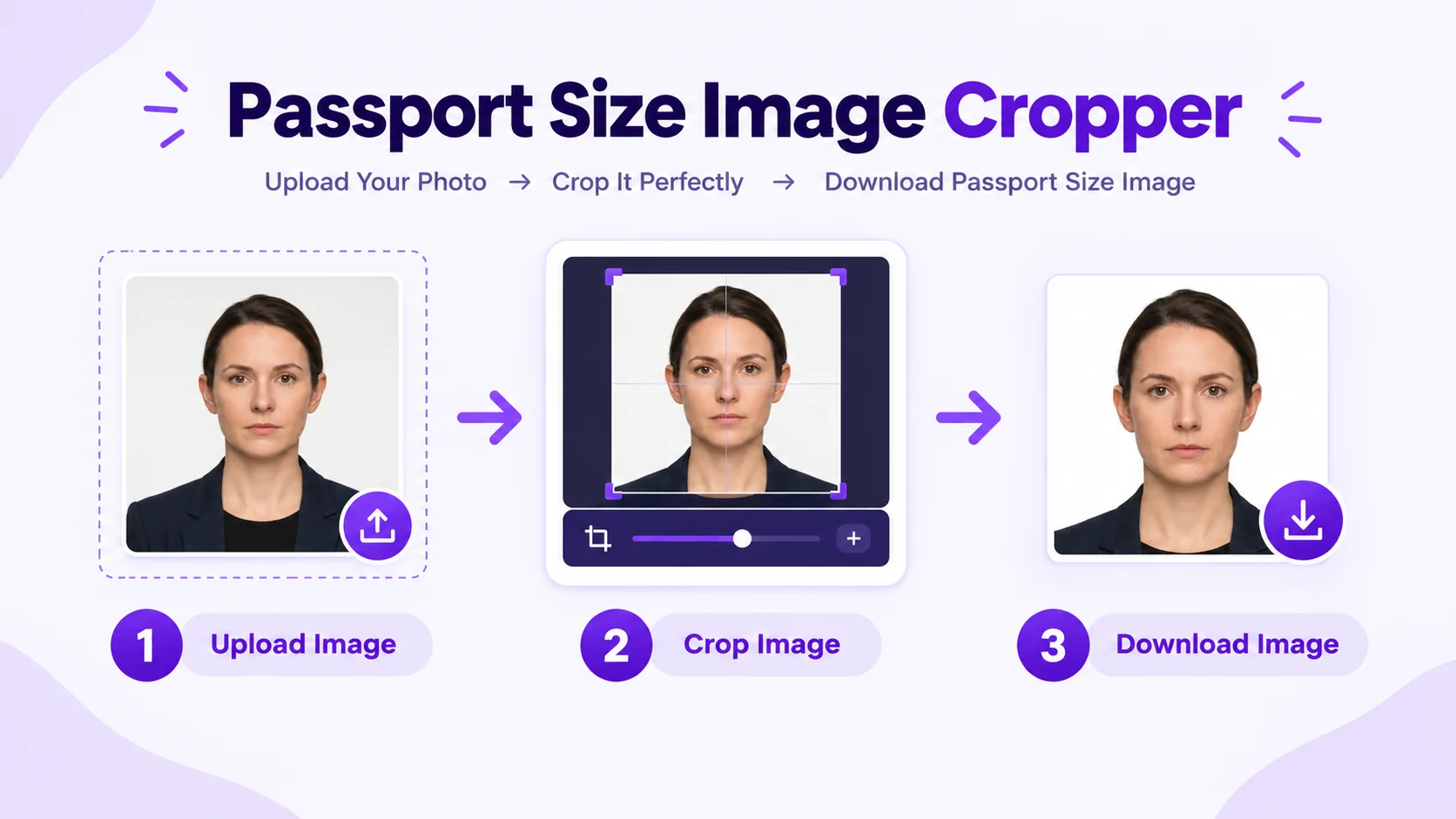
Need to create a photo at a specific size? Use the passport size photo maker on PhotocopyWale.com. Upload your portrait, choose a suitable preset or custom dimensions, review the crop and export settings, then download a single image or create a print sheet.
Measurement accuracy note
Unit conversions on this page are mathematical examples. They do not establish the current passport-photo requirement for any country or application. Check the receiving passport authority's latest instructions before choosing a preset.
Read how PhotocopyWale separates calculations from authority-specific requirementsFrequently Asked Questions About Passport Photo Sizes (10 Answers)
1. What passport photo size should I use for an application in India?
35 × 45 mm converts to 3.5 × 4.5 cm and approximately 1.38 × 1.77 inches. It is a common passport-style example, but the required dimensions should be verified for your application.
2. What is passport photo size in centimeters (cm)?
A photo measuring 35 × 45 mm is exactly 3.5 × 4.5 cm. Divide each millimeter value by 10 to convert to centimeters.
3. What is passport photo size in inches?
A 35 × 45 mm photo is approximately 1.38 × 1.77 inches. A 2 × 2 inch square example is 50.8 × 50.8 mm. Use whichever physical size your passport application specifies.
4. What is passport photo size in digital pixels at 300 DPI?
At 300 PPI, 35 × 45 mm converts to approximately 413 × 531 pixels after rounding. At 600 PPI, it is approximately 827 × 1063 pixels.
5. How do I know which pixel size my passport application requires?
Check the current digital-photo instructions for the application you are using. Pixel dimensions, file format, and maximum file size can differ from the requirements for a printed photo.
6. What is the difference between size and aspect ratio?
Physical size is the actual width and height. Aspect ratio describes shape only. For example, 35 × 45 mm simplifies to 7:9, while a 2 × 2 inch photo has a 1:1 ratio.
7. Does higher PPI change the physical size?
No. The intended millimeter size stays the same. Higher PPI means more pixels are used across that physical area, which can improve print detail when the source image contains enough information.
8. Why do passport photo requirements use different sizes?
Passport authorities define their own photo specifications. Some use rectangular physical dimensions and some use square dimensions; digital application channels may also publish separate pixel and file-size limits.
9. How does the Passport Photo Maker by Photocopywale.com lock dimensions?
PhotocopyWale provides presets and custom dimensions. When a size is selected, the crop frame maintains that ratio so zooming and repositioning do not stretch the portrait.
10. Can I convert a large mobile photo to 35×45 mm on Photocopywale.com?
Yes. Upload a sufficiently clear source photo, choose 35 × 45 mm if that is the size you need, position the portrait with the guides, then export a single image or create a print sheet.