
Passport Photo Crop: How to Crop a Photo Correctly
Cropping controls composition, aspect ratio, and how much space surrounds the face. Learn how to use framing guides without stretching the portrait, while keeping application-specific head-position requirements separate from general cropping technique.
Original Photo → 35:45 Biometric Grid → Final Passport Cutout
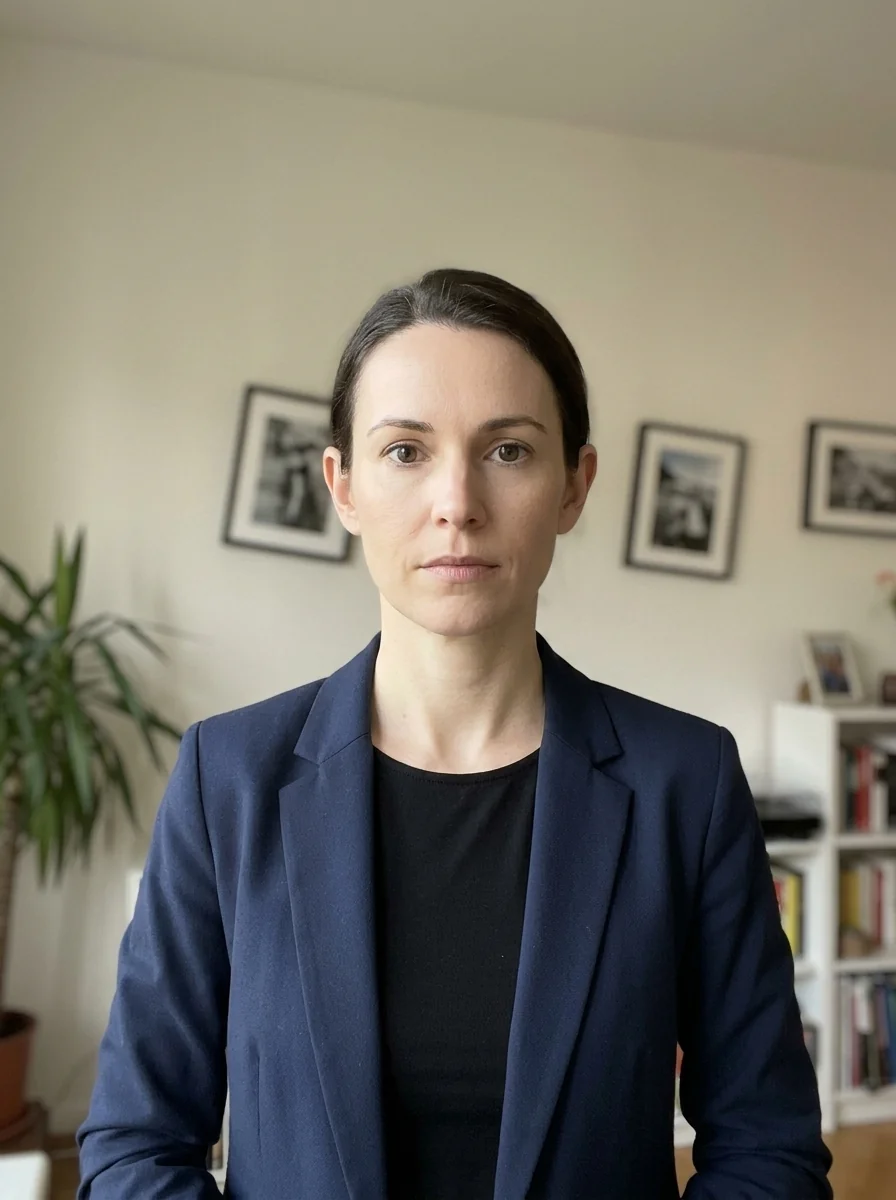
Casual framing & wide background
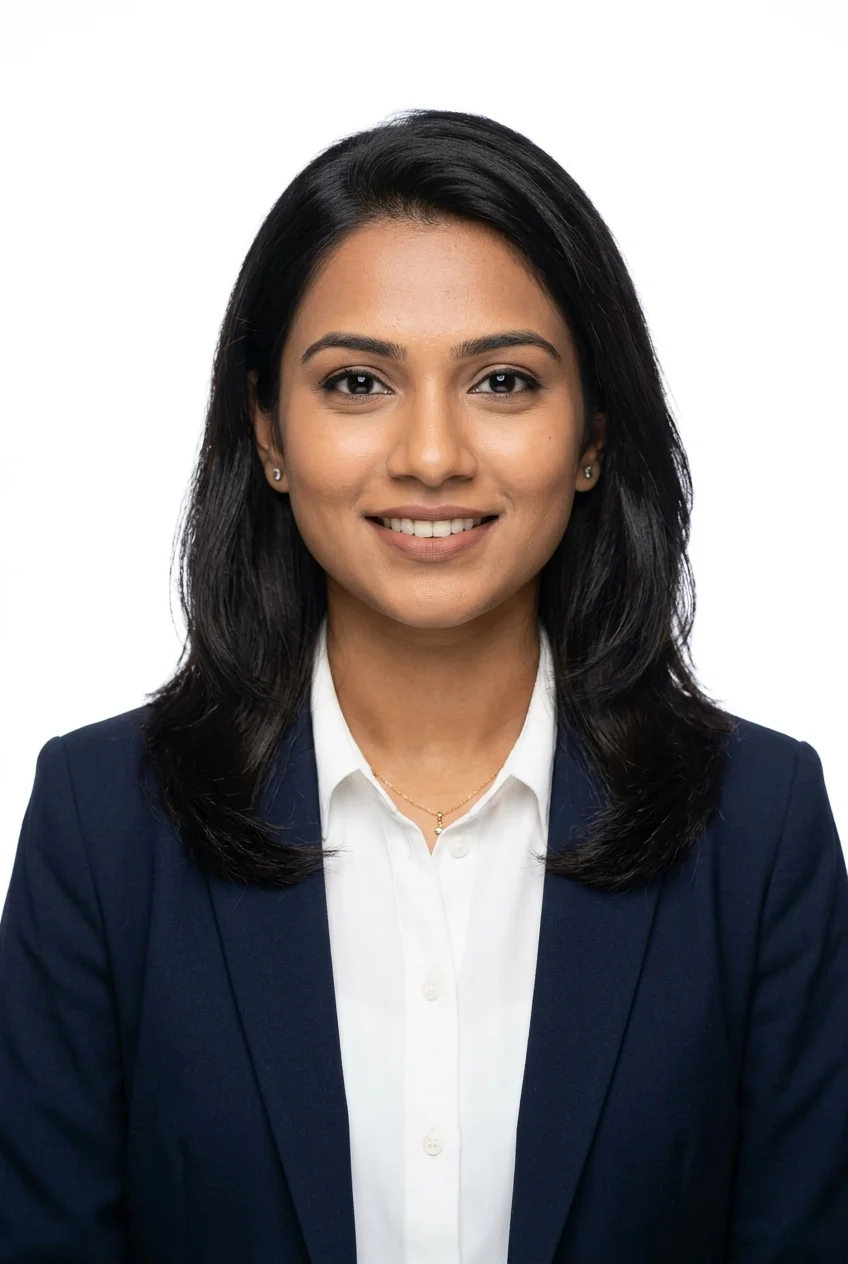
Example chin-to-crown guides
Selected background & export settings ready
What Does Cropping a Passport Photo Mean?
Cropping means removing unwanted outer areas of an image (such as excess room background, torso, or side walls) while positioning your face and shoulders inside the target aspect ratio required for your use case. For example, 35×45 mm simplifies mathematically to a 7:9 ratio.
Crop vs. Resize: What's the Difference?
Trims away the outer borders of the image without changing the internal scale of your facial features. Keeps your head shape natural and anatomically accurate.
Changes the image's pixel dimensions while keeping its proportions. Compression is a separate step that changes file size in KB or MB.
Using Head-Height Guides Without Treating Them as Universal
Some passport-photo specifications use head-height ranges as part of their framing instructions. If your application specifies a percentage or millimetre range, the cropper can help you visualize it. For a 45 mm-tall example, 70% to 80% corresponds mathematically to 31.5 mm to 36 mm, but the required range must come from your current official instructions:
Crop Your Passport Photo Online in Seconds
Need to crop a photo correctly? Use Photocopy Wale's free passport size photo maker. Our interactive canvas can lock a selected crop ratio and shows framing guides so you can position the portrait without stretching facial proportions.
Frequently Asked Questions About Passport Photo Cropping (10 Answers)
1. What does a 70% to 80% head-height guide mean?
On a 45 mm-tall photo, 70% to 80% of the image height is 31.5 mm to 36 mm. That is a calculation for a framing guide, not a rule to apply unless your application specifies it.
2. What is the exact aspect ratio of an Indian passport photo?
The aspect ratio is 35:45 (7:9). When cropping in our editor, this ratio is locked automatically to prevent facial distortion.
3. What is the critical difference between cropping and resizing a photo?
Cropping cuts away outer background borders; resizing changes total pixel count or file size without cutting visual content.
4. How far above the top border should the crown of the head be?
Keep a 3 mm to 5 mm margin above your hair crown to prevent the head from touching the upper photo edge.
5. Should both ears and shoulders be visible in a passport photo crop?
Yes. The photo should include the full face, neck, and the top portion of both shoulders squarely facing the camera.
6. What is the chin-to-bottom border margin in millimeters?
The bottom of the chin should rest approximately 7 mm to 8 mm above the bottom edge of the photo.
7. Why should I avoid stretching a passport-style photo?
Stretching changes natural facial proportions and can make the portrait visibly distorted. Crop to the required ratio and resize proportionally instead.
8. Can I crop a selfie into a passport photo?
Yes, provided the selfie is taken with your head held straight, both ears visible, neutral expression, and even front lighting without lens distortion.
9. How does the Passport Photo Maker by Photocopywale.com guide cropping?
Photocopywale.com displays an interactive overlay box with chin, crown, and eye-level alignment markers for precision positioning.
10. Can I zoom and reposition my photo inside the cropping box?
Yes. Use the intuitive zoom slider or pinch gestures on your smartphone to scale your face to fit the biometric guides perfectly.