
How to Print Passport Size Photos
Learn how to print passport-style photos at home using a standard printer, avoid scaling errors, and verify the finished physical dimensions with a ruler before using the print for an application.
Scaling Comparison: 100% Scale vs. "Fit to Page"
Avoids intentional fit-to-page scaling in the print dialog. The prepared example aims for 35 mm × 45 mm, but the finished output should still be measured because printers and drivers can vary.
Printer-driver scaling can change the physical photo size to fit non-printable margins. The amount varies by device and settings.
Can You Print Passport Photos at Home?
Many color inkjet photo printers can produce useful passport-style prints when the source image, media and printer settings are suitable. Output quality varies by printer, ink, paper and maintenance, so inspect a test print and follow any media requirement from the receiving authority.
What Photo Paper Should You Use?
Paper thickness and coating determine print sharpness and moisture resistance:
Usually poor for photo-quality output; ink and paper behavior depend on the printer and media.
Recommended. Crisp colors and sharp edges.
Photo-paper option; finish, thickness and water resistance vary by product.
Step-by-Step Printer Driver Configuration
Need to Prepare Your Photos Before Printing?
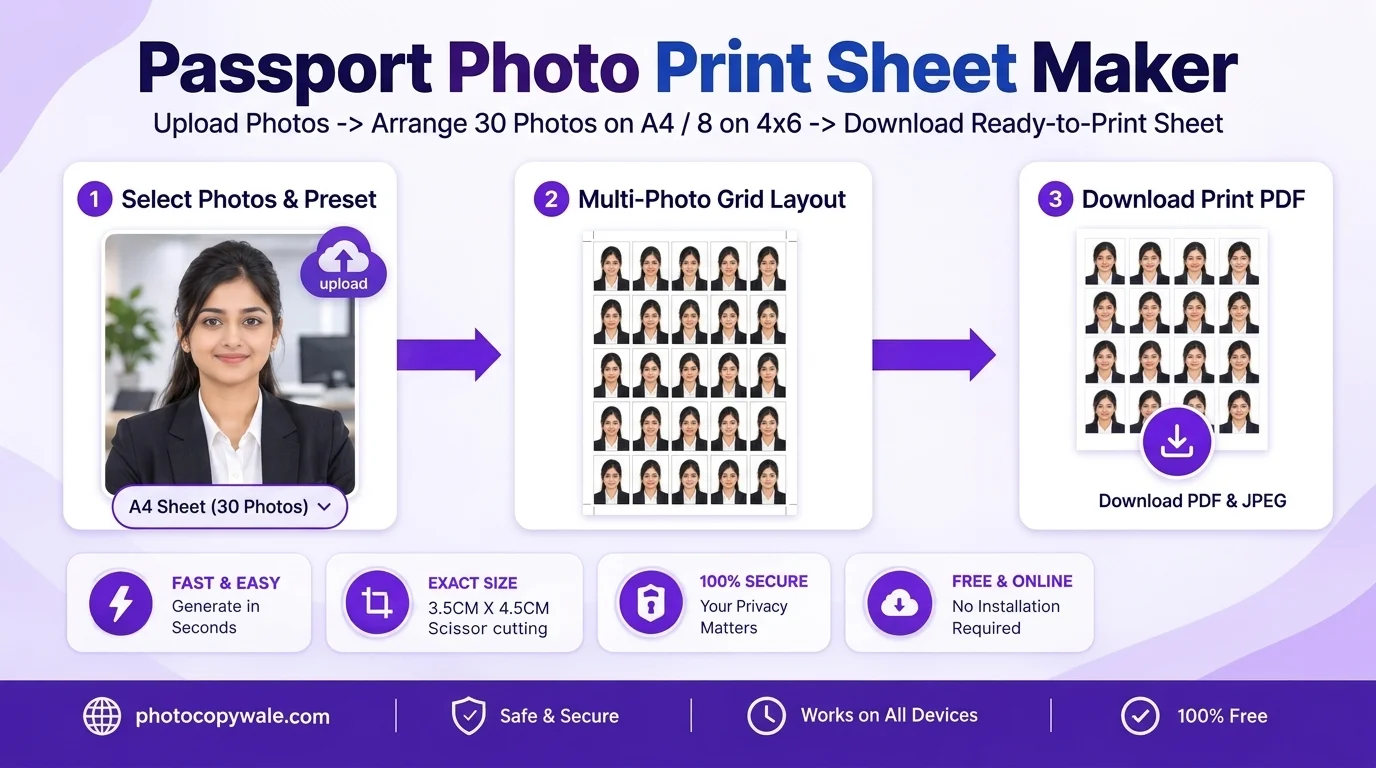
Need to prepare your photos before printing? Use PhotocopyWale to crop to the dimensions required for your application, choose the required background, and create a print sheet. A 5×6 A4 example can contain 30 slots when the selected photo size, gaps, margins and printable area allow it.
Frequently Asked Questions About Printing Passport Photos (10 Answers)
1. What is the biggest mistake people make when printing passport photos?
A common mistake is leaving print scaling set to "Fit to Page" when exact physical dimensions matter. Scaling varies by printer and driver, so check the preview and measure a test print.
2. When should I avoid "Fit to Page" for passport-photo printing?
Fit to Page can change the physical millimetre dimensions of the entire sheet so it fits the printer’s printable area. The exact amount of scaling depends on the printer, driver and selected paper size, so verify with a test print.
3. What GSM photo paper is best for printing passport photos?
Photo paper in the roughly 180 to 260 GSM range is commonly available for home photo printing, but compatibility depends on your printer and media path. Choose a finish and weight supported by the printer, and follow any paper requirement stated by the receiving authority.
4. Can I print passport size photos on a regular color inkjet printer?
Many colour inkjet printers can produce useful photo prints when paired with compatible photo paper and appropriate driver settings. Output quality varies by printer, ink, paper, maintenance and colour handling, so run a test print instead of assuming studio-equivalent results.
5. How do I verify the printed passport photo size with a physical ruler?
After printing, measure the photo with a millimetre ruler and compare the width and height with the current requirement for the exact application. Do not assume one physical size applies everywhere.
6. Should I choose Glossy or Matte photo paper for passport photos?
Glossy and semi-gloss papers are common photo-printing choices, while some applications may specify a different finish. Treat paper finish as an application-specific requirement rather than a universal rule.
7. How long should I let inkjet passport photos dry before cutting?
Allow freshly printed photo paper to dry according to the ink and paper manufacturer’s guidance before handling or cutting it. Drying time varies by printer, ink, coating and humidity.
8. Can I print passport photos directly from an Android or iPhone?
If your printer and phone support direct printing, select the same paper size as the exported sheet and choose Actual Size or 100% scaling when that option exists. Mobile print menus vary by operating system, printer and app, so verify the preview and measure a test copy.
9. Why did my printed photo turn out darker than on screen?
Computer screens are backlit, whereas prints reflect ambient light. In the editor before printing, you can increase brightness slightly if your room lighting is dim.
10. How does PhotocopyWale help prepare an actual-size print sheet?
The Passport Photo Maker by Photocopywale.com embeds exact millimeter metadata inside its exported PDF sheets, instructing the printer driver to maintain pure 1:1 physical dimensions.