How to Use AI Carefully Around Passport Photos Without Changing Identity
By Shrikant Yadav • Identity-preserving editing guidance • Editorial review: September 2026
Generative AI can change pixels in ways that are difficult to notice, even when a prompt says to preserve the face. For an identity photograph, the safest approach is to start from a real, clear capture and avoid generated facial features, clothing, hair or body geometry. If an authority permits limited background cleanup, compare the result closely with the original and keep the person recognizably unchanged.
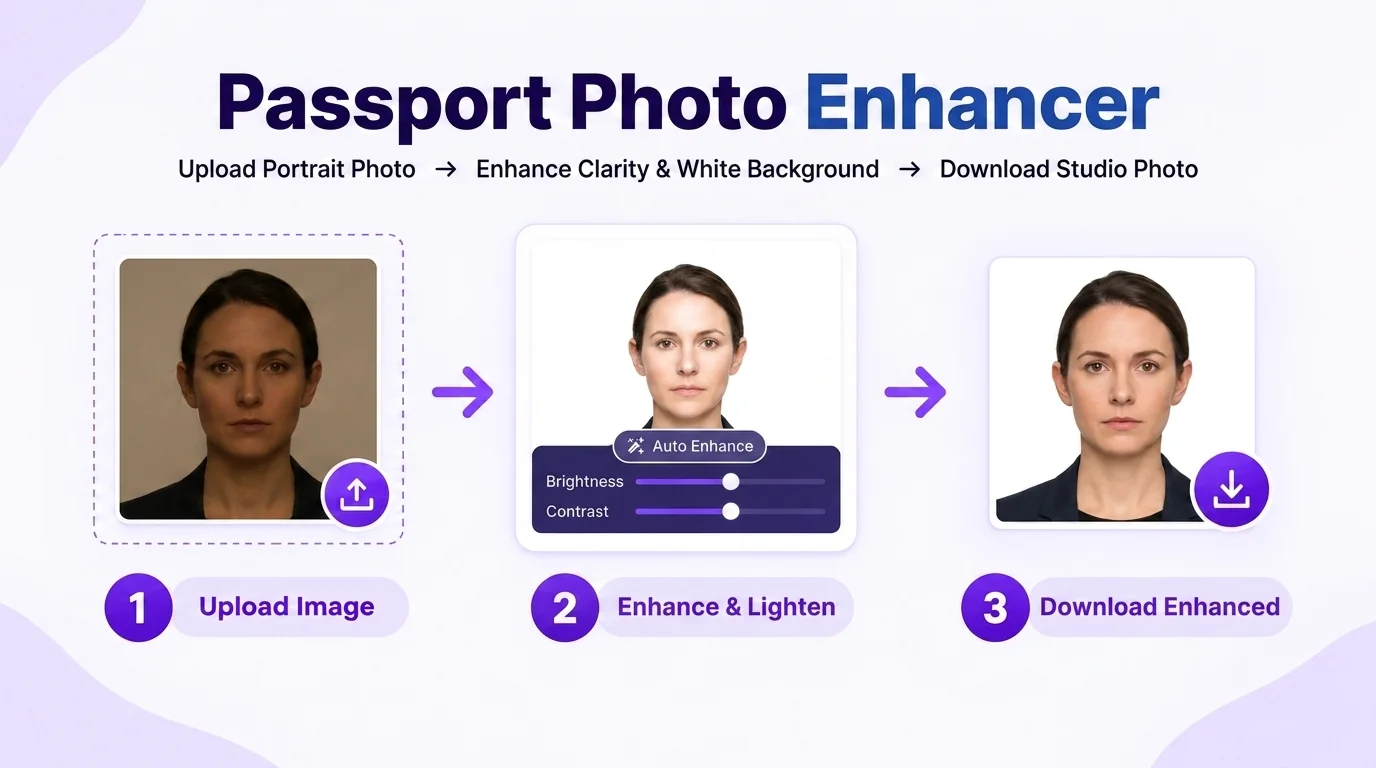
1. Proven Identity-Preserving Prompts
"Please replace the casual clothing in this attached photo with a tailored dark navy blue formal business suit jacket, a crisp white collared dress shirt, and a subtle dark silk tie. Replace the background with a pure solid studio white (#FFFFFF). CRITICAL: Do NOT alter, retouch, smooth, or reshape my face, skin tone, eyes, eyebrows, hair, or moles. Maintain original lighting and facial landmarks.""Please replace the casual top in this attached photo with a professional dark charcoal grey blazer and a high-neck white formal blouse. Replace the background with a pure solid studio white (#FFFFFF). CRITICAL: Do NOT apply beauty filters or facial alteration. Preserve 100% authentic facial features, eye shape, ears, and skin texture."2. Critical AI Safety & Anti-Distortion Rules
- Do not generate a synthetic identity image: A generated or materially altered face is not a faithful photographic capture. Use a real photograph and follow the receiving authority’s alteration rules.
- Check Pupil Alignment: Verify that AI generation has not added reflections or modified iris colors.
- Final sizing: If you use any permitted editing workflow, crop and export to the dimensions actually requested by the application. A 35×45 mm / 300 PPI setting is only an example, not a universal requirement.
Frequently Asked Questions
Can I use AI tools like ChatGPT, Gemini, or Midjourney to create passport photos?
Generative background or clothing edits may be restricted and can unintentionally alter identifying detail. Prefer a real capture and use only edits clearly permitted by the receiving authority.
What is the best AI prompt to add a dark formal suit to a passport photo?
For identity photographs, avoid prompts that generate clothing, facial detail or a synthetic portrait. If an authority permits background cleanup, use an instruction such as: "Keep the person unchanged. Adjust only the permitted background area; do not regenerate face, hair, ears, neck, shoulders or clothing."
Why are generative AI edits risky for passport photos?
Generative image tools can unintentionally alter pupil spacing, skin texture, ear shape, hairline or other identifying details. That makes generative face editing risky for an identity photograph even before any authority-specific rule is considered.
How does Photocopy Wale help safely format AI-edited photos?
If you have a real photograph that has only been edited in a way the receiving authority permits, PhotocopyWale can crop it to your chosen dimensions and arrange a print sheet. Verify the required size before export.
Can AI prompts remove shadows from my home passport photo?
AI background replacement can create halos, missing hair strands or regenerated edges. Prefer good lighting at capture time; if background editing is permitted, inspect the result carefully at the hair, ears, neck and shoulders.
Can I use AI attire replacement for an identity or application photo?
Yes, provided your facial likeness, scars, and identifying features remain completely unaltered and natural.
 Author & Technical Review
Authored by Shrikant Yadav (https://shrikantyadav.com/). This guide deliberately takes a conservative approach: do not use generative editing to change identifying facial features. Verify the current alteration rules of the passport authority receiving the photograph.
Crop Your Enhanced Photo Now
Prepare a permitted, identity-faithful portrait and export it using the dimensions and print settings required for your application.
Open Passport Photo Studio