How to Convert Any Casual Selfie into a Government Passport Photo
By Shrikant Yadav • Passport-photo capture and editing guide • Editorial review: September 2026
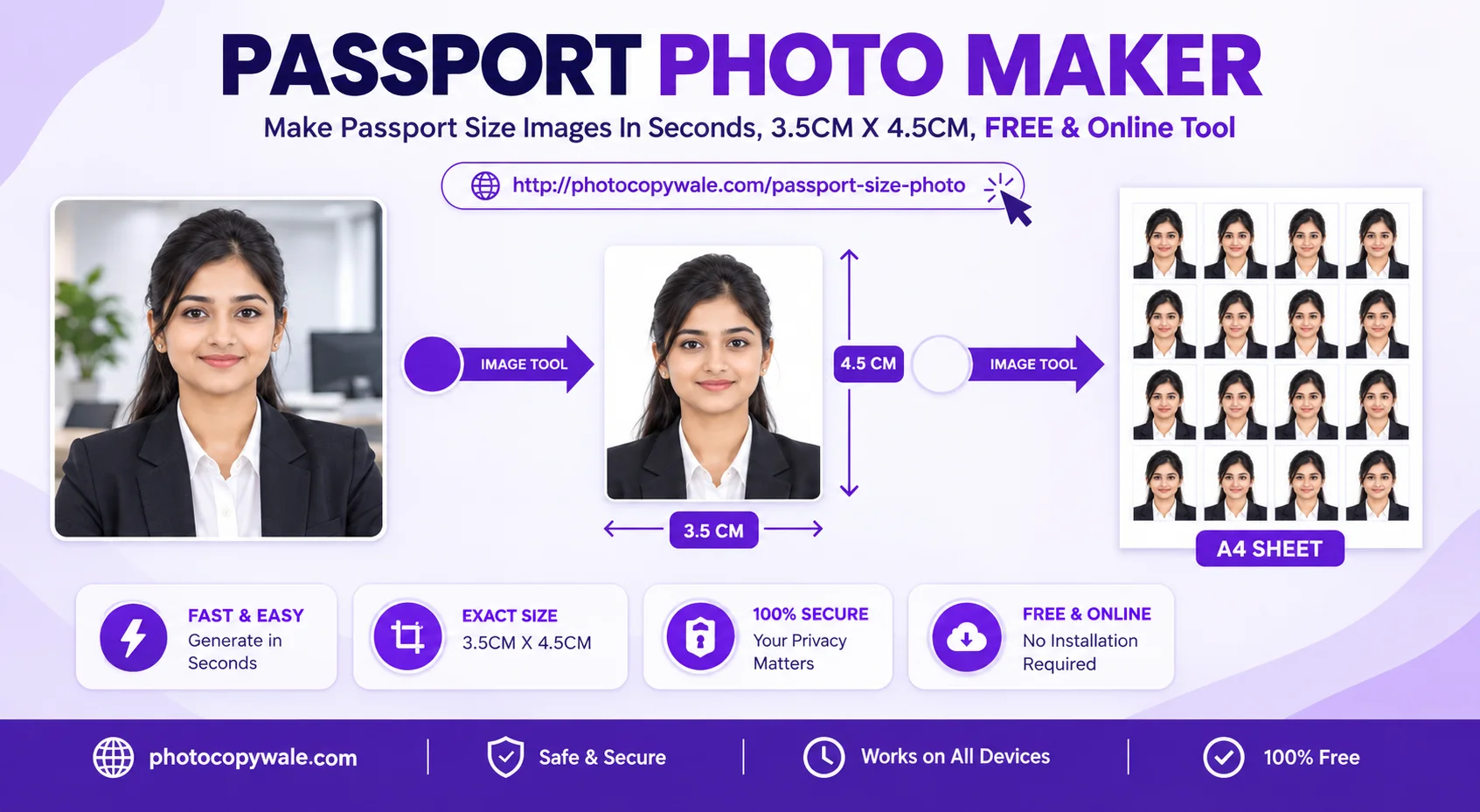
To prepare a suitable phone portrait as a passport-style photo, start with a straight, undistorted source image, crop it to the dimensions required by your application, clean the background only when editing is allowed, and export in the requested file or print format. PhotocopyWale’s face guides help with consistent positioning, but they do not certify an authority-specific head-height rule.
1. Selfie Eligibility Checklist (What Works vs Fails)
- • Looking directly into the camera straight-on
- • Neutral mouth-closed expression
- • Both ears and eyebrows clearly visible
- • Even daylight on both sides of the face
- • Tilted head or side profile angles
- • Big teeth-showing smiles or pouts
- • Extreme close-up wide-angle distortion
- • Heavy sunglasses or hats
2. 3-Step Conversion Workflow
- Upload Image: Select any JPG or PNG selfie from your phone gallery.
- Align the portrait: Use the Crown, Eye line, and Chin guides as visual aids, then compare the crop with the framing instructions for your application.
- Clean background & export: If editing is permitted, remove distractions and choose the background requested by the application. Export with the required dimensions, format, and file size.
3. Face Alignment, Crop & Headroom
Face size and headroom can be specified differently by passport authorities. Use PhotocopyWale's crown, eye-line and chin guides to position the portrait consistently, then compare the crop with the current framing instructions for your application instead of treating a fixed percentage as universal.
Frequently Asked Questions
Can I convert a casual selfie into a passport-style photo?
Yes, provided the selfie is taken with proper lighting and square shoulder posture. Photocopy Wale crops the image to 35×45 mm, replaces the background with solid white, and aligns facial landmarks.
How do I fix wide-angle selfie distortion where the nose looks large?
Standard front cameras shoot at 24mm equivalent focal length. To fix this, hold the camera at arm's length, crop tightly around the face, or use the rear camera from 5-6 feet away.
Are tilted head angles or selfie poses acceptable in passport photos?
A straight, front-facing portrait is the safest starting point for most identity-photo workflows, but the exact pose and framing rule belongs to the receiving authority. Avoid obvious tilt and perspective distortion, then compare the crop with the current instructions.
What should I do if my selfie has an unbuttoned casual collar?
Choose clothing that leaves the face, neck and shoulder outline easy to distinguish from the background. Formal clothing is not a universal passport requirement; follow any clothing, uniform or head-covering instructions from the receiving authority.
Can I use beauty filters or skin smoothing apps on my passport photo?
Avoid beauty filters, eye enlargement, face reshaping, or skin-smoothing that changes identifying appearance. Passport photos are identity images, and alteration rules differ by authority; preserve the person’s real features and follow the current instructions.
How do PhotocopyWale's face guides help with cropping?
The editor displays crown, eye-line and chin markers as visual aids so you can keep the portrait centered and avoid clipping. They do not certify compliance with an authority-specific head-height rule.
 Author & Technical Review
Authored by Shrikant Yadav (https://shrikantyadav.com/). This guide focuses on capture quality and identity-preserving editing. Verify authority-specific capture and alteration rules for your application; see the information policy.
Convert Your Selfie in 30 Seconds
Upload a clear portrait and prepare it to the dimensions and visual settings required by your passport application.
Open Passport Photo Studio