How to Cut & Trim Passport Photos from A4 Sheet with Scissor Marks
By Shrikant Yadav • Sourced from Professional Photo Finishing Standards • Updated 2026
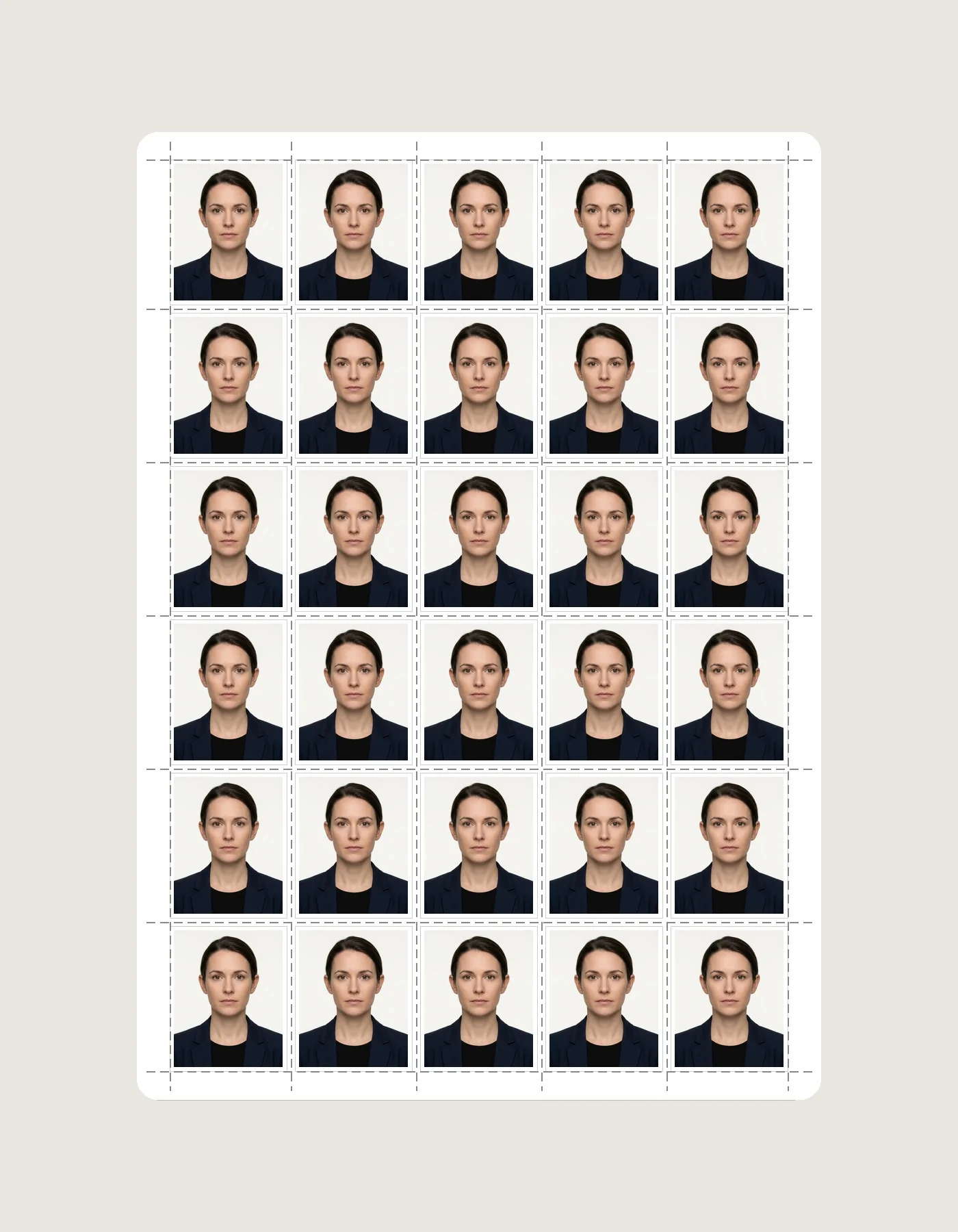
To cut a passport-photo sheet cleanly, place it on a cutting mat, align a ruler with the printed guide, and trim with a sharp blade or accurate paper cutter. Measure one finished photo before cutting the whole sheet. If your target is 35 × 45 mm, the trimmed copy should be close to those dimensions without assuming that size is required for every passport application.
1. Comparing Cutting Tools: Knife vs Scissors vs Trimmers
| Cutting Tool | Edge Accuracy | Speed | Recommendation |
|---|---|---|---|
| Stainless Ruler + Utility Knife | Very clean when aligned well | Fast (Cuts entire rows at once) | Useful for straight row cuts |
| Rotary Photo Paper Trimmer | Very clean when aligned well | Fast for repeated straight cuts | Useful for repeated print-sheet trimming |
| Standard Handheld Scissors | Can curve if alignment slips | Slow (Manual single snips) | Acceptable if using long-blade scissors |
2. Step-by-Step Precision Trimming Guide
- Allow the print to dry or cure according to the ink, paper, printer, or lab instructions before cutting. Drying time varies by material and process.
- Lay the sheet flat on a hard cutting mat or cardboard backing.
- Line up your metal ruler along the vertical cutting marks across the entire sheet and make single continuous strokes.
- Repeat along the horizontal lines to release individual 35×45 mm rectangular photos.
Frequently Asked Questions
What is the best tool to cut passport photos cleanly from an A4 sheet?
A rotary paper trimmer or a stainless steel metal ruler with a sharp hobby knife (X-Acto / utility knife) produces the cleanest 90-degree edges. Sharp titanium scissors are also suitable if cut along printed guide lines.
How much cutting tolerance should I allow for passport photos?
If your application specifies an exact physical size, trim as close to that size as practical and verify the finished photo with a ruler. Do not rely on a universal cutting tolerance unless the receiving authority publishes one.
How do I prevent fraying or peeling on the edges of glossy photo paper?
Always cut from the glossy printed side facing upward on a self-healing cutting mat. Use a sharp, non-dull blade in a single smooth motion rather than multiple sawing passes.
Should I cut passport photos with white borders or borderless?
Cut along the layout's intended trim line. If the required size is 35×45 mm, confirm that physical size after trimming; if your passport application requires another size or border treatment, follow those instructions instead.
How does Photocopy Wale assist in cutting photo sheets accurately?
Photocopy Wale includes precision gray cutting tick marks and grid borders around every photo on A4 and 4×6" PDF print sheets to guide your scissors or trimmer.
Can I use rounded corner punches for Indian passport photos?
Do not round corners unless the receiving passport authority explicitly allows it. A straight rectangular trim is the safer default for a rectangular photo, but the final physical format should follow the current application instructions.
 Author & Technical Review
Authored and verified by Shrikant Yadav (https://shrikantyadav.com/), Lead Developer at Photocopy Wale.
Generate A4 Sheet with Cutting Lines
Export 30 to 36 photos on an A4 sheet with precision scissor marks in 1 click.
Open Passport Photo Studio