Passport Photo DPI Resolution Guide: 300 DPI vs 600 DPI vs Screen Pixels
By Shrikant Yadav • Passport-photo resolution and print math guide • Editorial review: September 2026
300 pixels per inch is a useful worked example for photo-print calculations, but it is not a universal passport requirement. Use Pixels = (Millimeters ÷ 25.4) × PPI. A 35×45 mm image at 300 PPI is approximately 413 × 531 pixels after rounding. The required pixel dimensions or print density should come from your passport application.
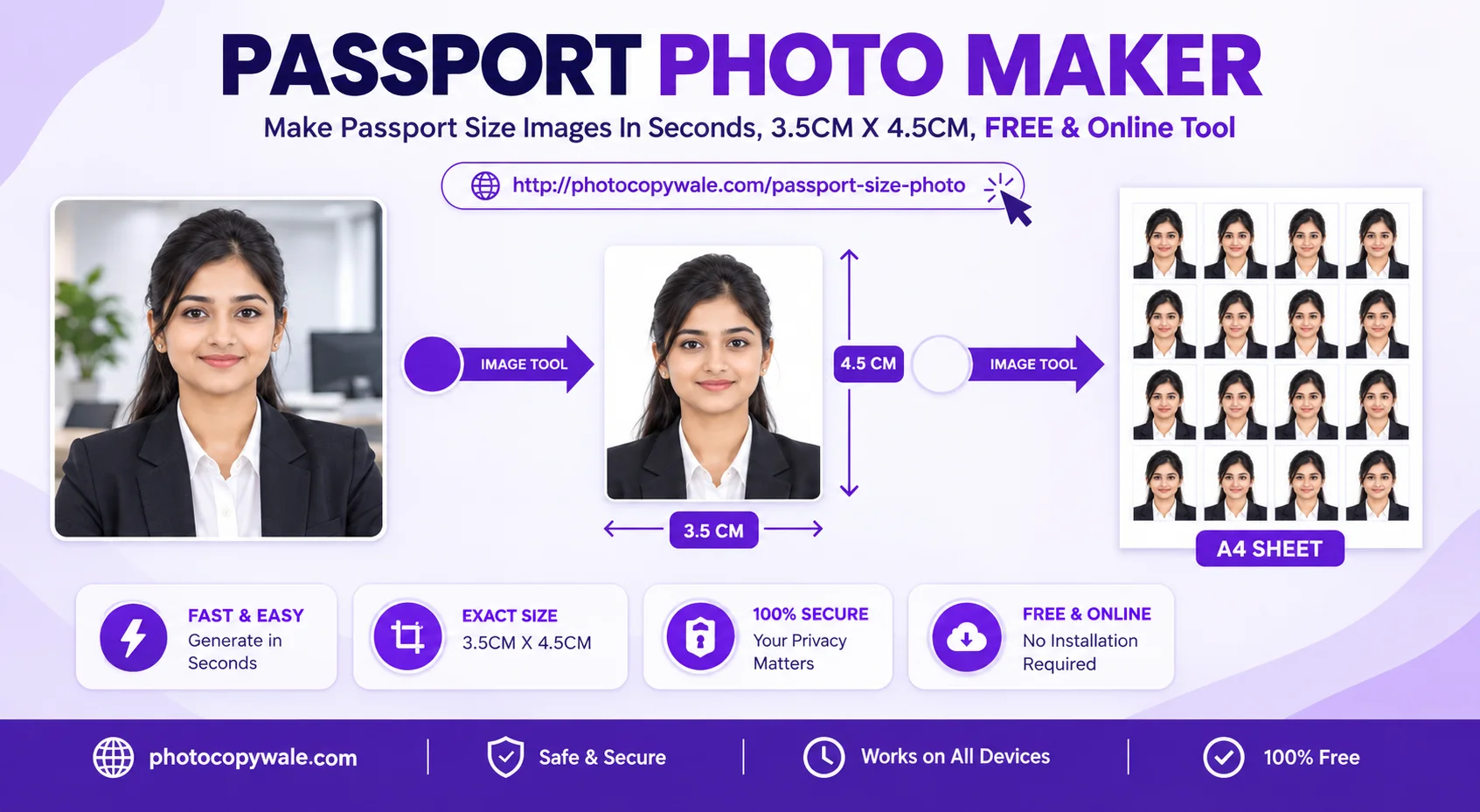
1. DPI Comparison Table
| Image density example | 35×45 mm Pixel Size | Relative source detail | Practical Result |
|---|---|---|---|
| 72 PPI | 99 × 128 px | Low pixel count for this physical size | Low-detail example |
| 300 PPI | 413 × 531 px | Higher pixel count than 72 PPI | High-detail example |
| 600 PPI | 827 × 1063 px | Twice the linear pixel density of 300 PPI | Useful when a workflow specifically needs more source pixels |
2. DPI vs PPI Explained
PPI (Pixels Per Inch) describes how many image pixels are assigned to each inch when converting between digital pixels and a physical print size. DPI (Dots Per Inch) is commonly used for printer output resolution. The terms are often mixed in everyday software, but they are not identical. A 300 PPI image does not require a printer to use exactly 300 hardware dots per inch, and neither number is a universal passport requirement.
Frequently Asked Questions
What does 300 DPI mean for passport size photos?
For image sizing, it is clearer to talk about 300 PPI: 300 image pixels per inch of intended physical size. For example, 35×45 mm at 300 PPI is approximately 413×531 pixels. Whether an application needs that density must be checked separately.
What is the pixel resolution of a 35×45 mm photo at 300 DPI vs 600 DPI?
At 300 PPI, 35×45 mm is approximately 413 × 531 pixels. At 600 PPI, it is approximately 827 × 1063 pixels after rounding. These are mathematical conversions; use the PPI or pixel dimensions stated by the application you are preparing.
Why do photos downloaded from WhatsApp or web look pixelated when printed?
Social-media or messaging apps can resample or recompress images. A file with too few pixels for the intended print size can look soft or jagged. Check the actual pixel dimensions rather than relying on a DPI label alone.
How do I calculate pixel dimensions from millimeters at any DPI?
Use the conversion formula Pixel Width = (mm Width ÷ 25.4) × PPI. For 35 mm at 300 PPI, the calculation is (35 ÷ 25.4) × 300 ≈ 413 pixels. The formula is universal mathematics; 300 PPI itself is not a universal passport requirement.
What DPI should I select when scanning an existing physical passport photo?
If you are scanning an existing print, 300 PPI is a practical starting point for many workflows and 600 PPI captures more source pixels. Choose the scan setting based on the final pixel/print requirement and inspect the result rather than treating one value as mandatory.
Does Photocopy Wale export single photos and sheets in 300 DPI?
PhotocopyWale can generate high-resolution photo and print outputs, but the useful result depends on the selected dimensions, export settings, and original image detail. Check the actual downloaded file or print-sheet settings instead of assuming one PPI value is required everywhere.
 Author & Technical Review
Authored by Shrikant Yadav (https://shrikantyadav.com/). Pixel conversions on this page are mathematical examples. Verify authority-specific digital resolution or print requirements from the current passport instructions.
Prepare a High-Resolution Passport Photo
Choose the dimensions and export settings required for your workflow, then verify the downloaded image or test print before submission.
Open Passport Photo Studio