Passport Size Photo FAQ & Troubleshooting Guide: Quick Answers
By Shrikant Yadav • Passport-photo troubleshooting guide • Editorial review: September 2026
For rapid troubleshooting, first identify the failure type: wrong physical print size, wrong pixel dimensions, file too large, unsupported format, poor crop, or background problem. Compare the current file with the passport application’s instructions, then change only the property that is actually wrong.
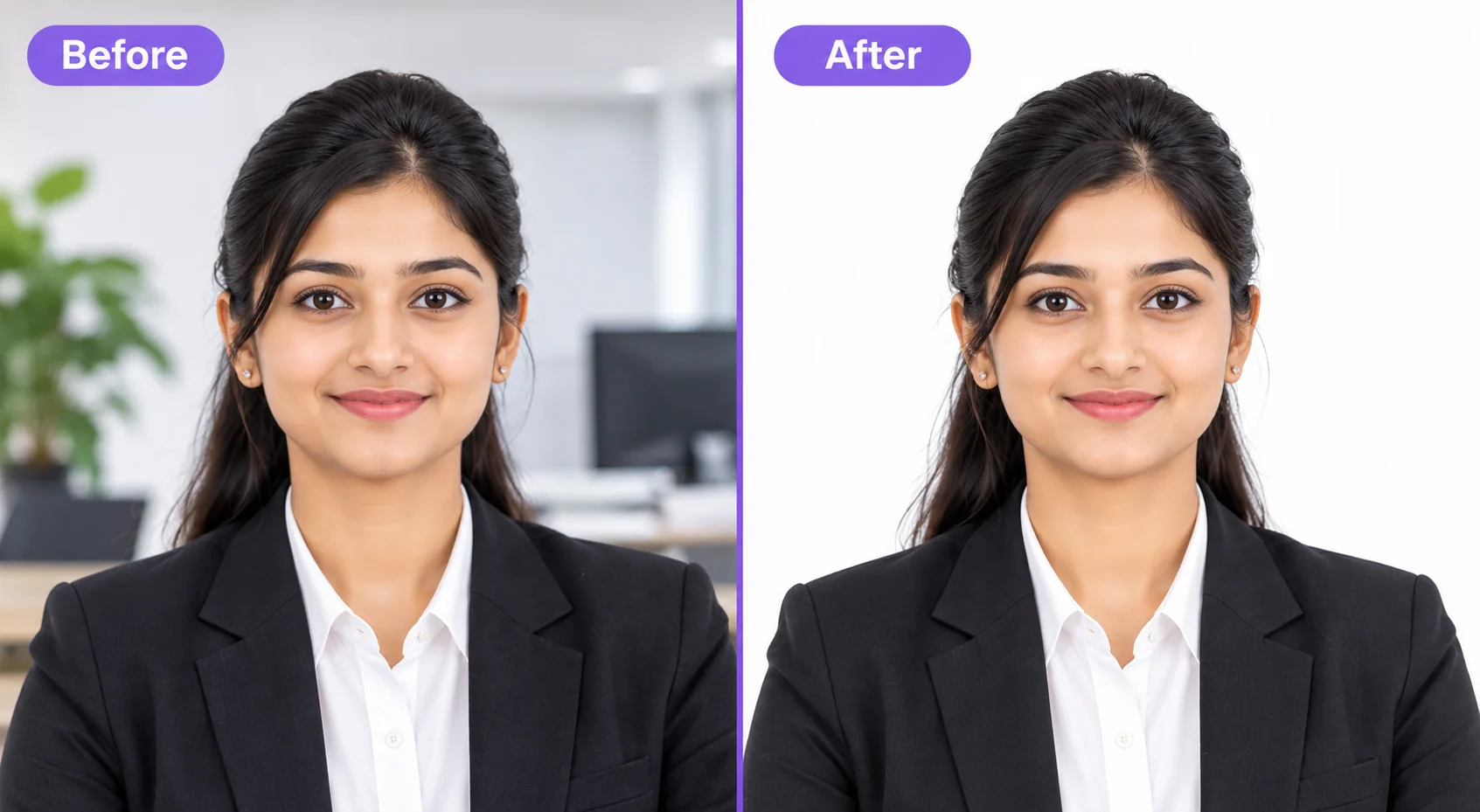
1. Top Studio & Printing Troubleshooting Solutions
Solution: Check the pixel dimensions and compression level of the downloaded file. Avoid repeatedly saving a JPEG, and use the exact width, height, format, and KB range requested by the passport application.
Solution: Match the printer media setting to the paper you actually use and let the print dry according to the paper and printer guidance. Photo paper can give cleaner photographic detail than plain copier paper.
Frequently Asked Questions
Why does my printed passport photo look smaller than 35×45 mm?
This happens when your printer dialog is set to "Fit to Page" or "Shrink to Fit". Always change the print scale setting to "100% Actual Size" to print at exact millimeter scale.
Why does an upload form show "Upload Failed: Invalid Image Dimensions"?
Some upload forms validate pixel dimensions. Enter or select the exact width and height listed by your passport application, then verify the downloaded file properties before submission.
How do I remove red-eye from my phone photo before making passport photo?
Avoid direct camera flash in dark rooms. Take photos in natural daylight or use Photocopy Wale's studio brightness and contrast controls to balance illumination.
Can I print passport photos on regular A4 printing paper if I am in a hurry?
Do not assume one paper rule applies everywhere. If printed photos are required, check the authority's instructions for paper type or finish. Photo paper can provide better detail than plain copier paper, but a specific GSM should not be invented when it is not stated.
How do I troubleshoot a passport-photo file-size error?
Sign on clean white paper using a black gel/ink pen, take a clear photo in good light, and crop with Photocopy Wale's "Signature Resizer" preset (35×15 mm / 10-20 KB).
Where should I check the documents or photos I need for a passport appointment?
Use the current checklist from the passport authority or appointment portal for your application. Required documents and whether printed photos are needed can depend on the process, applicant and location, so PhotocopyWale does not publish a universal appointment packing list.
 Author & Technical Review
Authored and verified by Shrikant Yadav (https://shrikantyadav.com/), Lead Developer at Photocopy Wale.
Open Passport Photo Studio
Create, crop, and print your passport-style photo using the requirements you have verified.
Open Passport Photo Studio