
How to Fix Passport Photo Background Edges, Halos and Hair Cutouts
Automatic background removal can leave bright halos around hair, jagged shoulders, missing strands, or pieces of the old background. These artifacts are usually easiest to fix by refining the mask conservatively rather than smoothing or redrawing the person.
Reviewed September 2026 • Technical guidance by PhotocopyWale • Authority-specific requirements should be verified with the current official source.
Zoom into the hairline, ears, shoulders and clothing edges, then make small add/remove-mask corrections. Keep soft natural edges where hair is fine and avoid painting a hard white outline around the subject. If the original background is extremely similar to hair or clothing, a new photo against a simpler background may be faster and more natural.
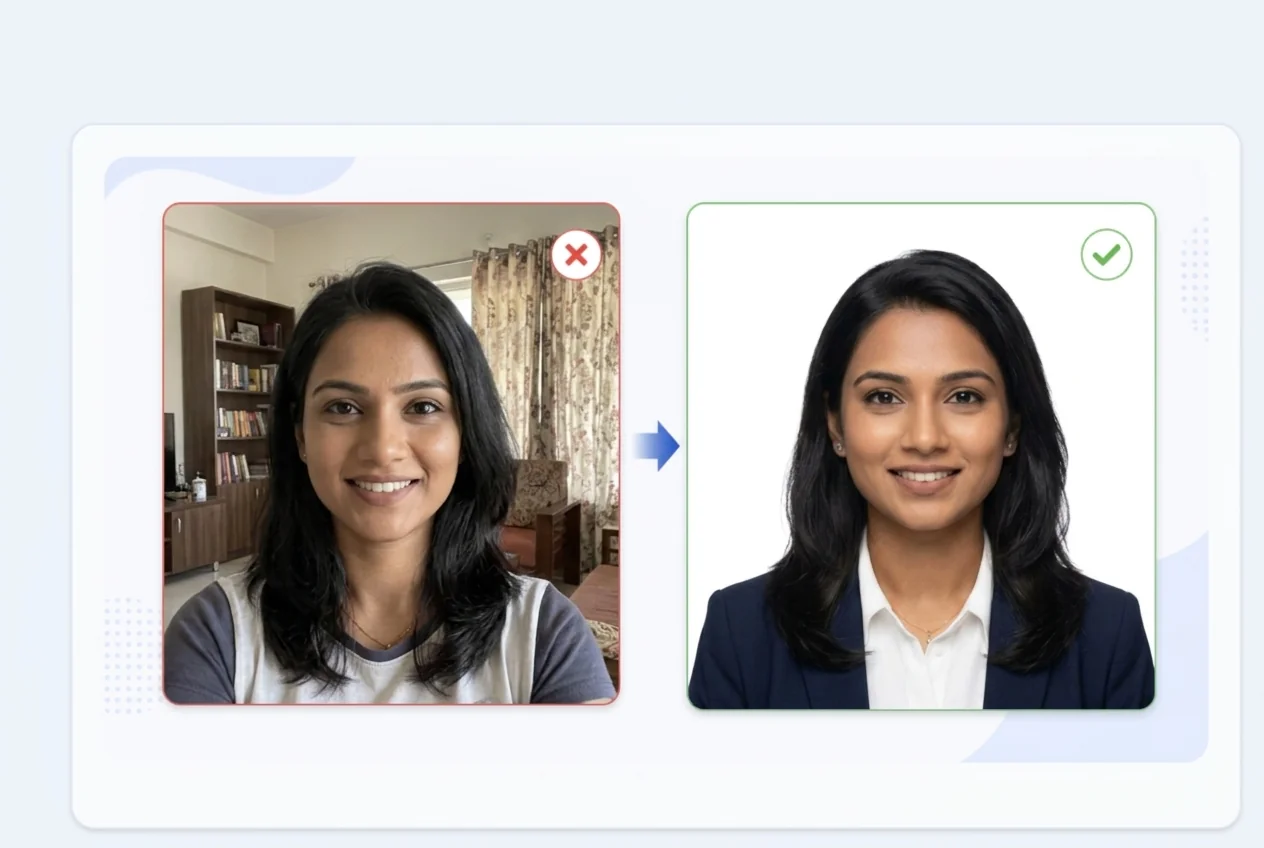
1. Recognize the most common background artifacts
A halo is a light or dark fringe around the subject left from the original background. Jagged edges appear when the mask cuts hair or clothing into hard stair-step shapes. Holes can occur when the remover mistakes light clothing or reflected highlights for background.
These problems are easiest to see against a solid replacement color. Zoom in rather than judging only the full-page preview.
- White or gray outline around dark hair.
- Missing fine hair strands.
- Old background visible between hair strands.
- Jagged shoulder or collar edge.
- Transparent holes in clothing or ears.
2. Refine hair without painting a helmet-shaped edge
Hair is difficult because individual strands can be thinner than the mask resolution. The goal is not to preserve every strand at all costs; it is to keep a believable natural boundary without adding a bright fringe.
Use a smaller correction brush around the hairline. Add subject pixels only where hair clearly exists, and remove background pixels only where the separation is obvious. Avoid tracing a thick solid line around the head.
- Use small brush size near fine edges.
- Zoom in enough to see the mask boundary.
- Compare against the original frequently.
- Keep the original head shape unchanged.
If the background and hair are nearly the same tone, a cleaner source photo can outperform heavy manual masking.
3. Fix shoulders, collars and ears
Hard-edged clothing is usually easier to refine than hair. Follow the original shoulder and collar line and avoid cutting inward just to make the background look perfectly straight.
Ears can be accidentally removed when they are close to the background color. Compare both ears with the original and restore only the pixels that are genuinely part of the person.
| Edge area | Common problem | Correction |
|---|---|---|
| Hair | Bright halo / missing strands | Small mask refinement, preserve natural edge |
| Shoulder | Jagged diagonal | Follow original clothing boundary |
| Collar | Background pocket remains | Remove only clear background area |
| Ear | Part of ear disappears | Restore from original mask region |
4. Do not confuse a background shadow with facial shading
A shadow behind the head belongs to the background and may need cleanup if the required background is plain. A shadow on the cheek or jaw is part of the captured face and should not be erased by painting background color over it.
If a strong wall shadow overlaps hair and shoulders, automatic removal may struggle. A retake with the person farther from the wall and softer front lighting can produce a much cleaner edge.
- Move the subject away from the wall for a new capture.
- Use diffuse front lighting.
- Keep background correction outside the facial contour.
- Do not shrink the head to remove a shadow.
5. Choose the replacement background from the actual requirement
White is common in many workflows, but it should not be treated as universal. Some authorities specify another light background or use live capture. The background tool can prepare a selected color; the application instructions determine what you should choose.
When white is required, check for a slightly gray halo around the subject after replacement. When another light tone is required, check that semi-transparent edge pixels do not create an obvious white fringe.
Do not choose a background color solely because a generic preset labels it as common. Verify the current requirement for the exact application.
6. Keep the subject shape natural
Background editing should not make the neck thinner, shoulders narrower, ears smaller, or hairline different. Those are identity-bearing or appearance-changing edits rather than background cleanup.
If correcting an edge requires rebuilding a missing part of the face or hair with generative pixels, return to the original or capture a better image.
7. Final background-quality checklist
Inspect the final downloaded image against a neutral viewer, not only inside the editor. Small halos can be easier to notice when the image is opened separately or placed against a contrasting page.
After visual inspection, confirm the requested photo dimensions and file properties independently. A clean edge does not guarantee the rest of the application requirements are met.
- No visible old background around shoulders or hair.
- No bright outline around dark hair.
- Head, ears, neck and shoulders retain original shape.
- Background color matches the current requirement you are following.
- No generated facial detail or beauty retouching was introduced.
Frequently asked questions
Why is there a white outline around my hair?
The old background or semi-transparent mask pixels may remain around the hair edge. Refine the mask with small corrections rather than tracing a thick line around the head.
Can I smooth jagged passport-photo edges?
Yes, modest edge refinement can help, but avoid smoothing that changes the natural hairline, ears, shoulders or head shape.
Should every passport photo have a pure white background?
No. Background requirements vary by authority and application. Use the current official requirement for the exact submission.
Why does background removal erase part of my shirt?
The shirt may be similar in color to the background. Restore only the genuine clothing region or use a source with stronger subject/background separation.
When should I retake instead of fixing the mask?
Retake when the source has severe wall shadows, very similar subject/background colors, missing edge detail, or when correction would require reconstructing the person.
PhotocopyWale explains photo-preparation techniques and technical calculations. The receiving passport or application authority decides its current size, background, file, capture, recency, and editing requirements. Check that authority's latest instructions before submission.