
A3 Size Sheet Passport Photo Layout for Print
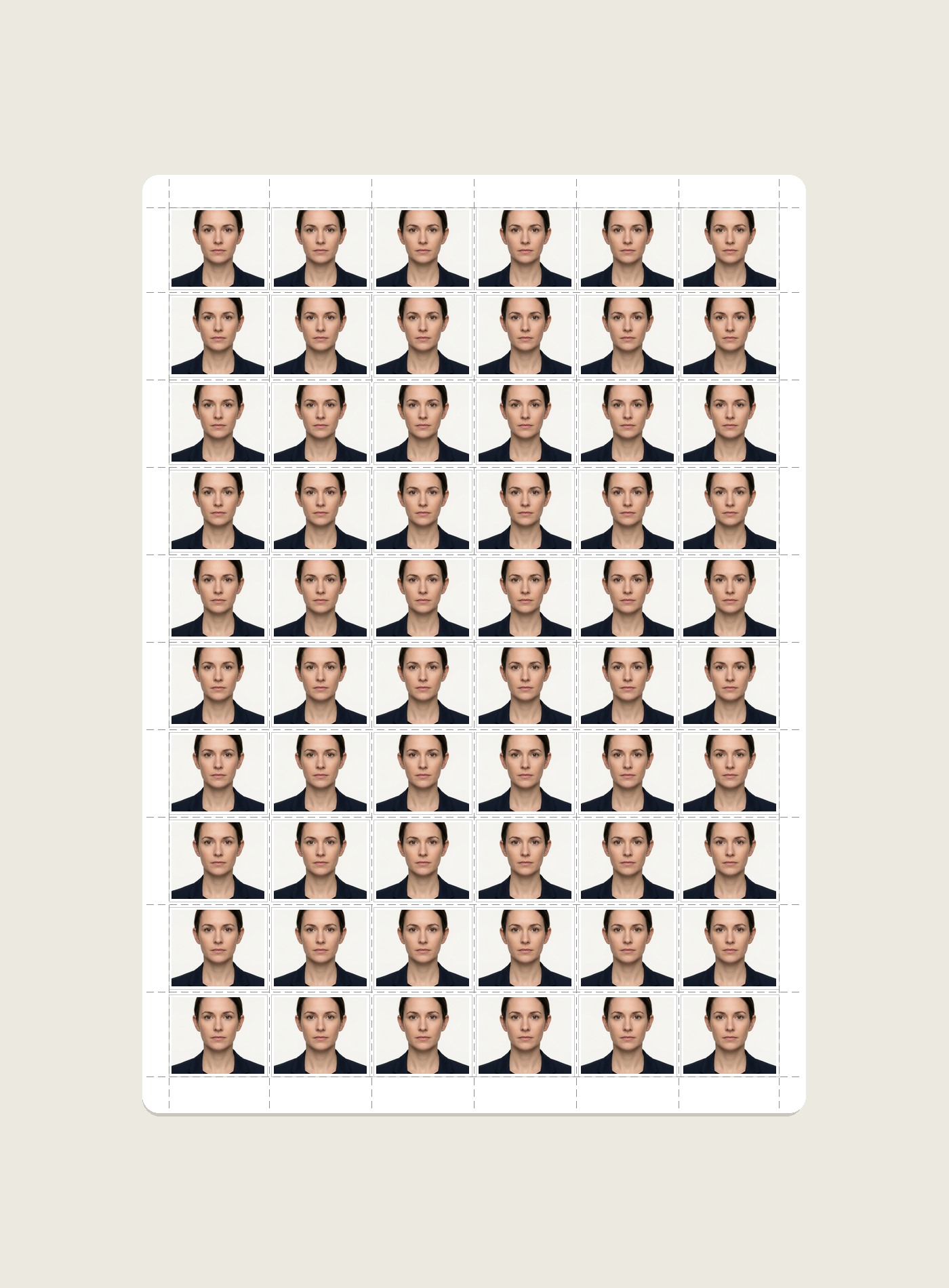
Prepare a passport-photo print sheet on A3 paper and review a dense 6×10 layout option. Because sixty exact 35×45 mm photos do not fit on 297 × 420 mm A3 at 1:1 size, always verify the exported slot dimensions, spacing and printer scaling.
Passport Photo Print Sheet Maker
Arrange photos on supported sheets with layout guides and cut lines
When an A3 Sheet Can Help With Larger Print Batches
A3 provides more page area than A4 and can reduce the number of sheets needed for some larger print jobs. The actual benefit depends on the photo size, slot count, printer, paper and workflow:
Fewer Sheet Changes
A larger sheet can reduce how often you change paper when the chosen layout fits your required physical photo size. Compare the exported A3 layout with the equivalent A4 workflow before choosing it.
Straight Grid Cutting
Straight rows and columns can make repetitive trimming easier when your exported sheet includes cut guides. Use cutting equipment according to its safety instructions and confirm one test sheet before processing a larger batch.
Cost Depends on Your Setup
A3 can change paper and handling costs, but there is no universal per-photo cost or margin. Calculate using your own paper, ink/toner, printer maintenance, labour and local pricing before deciding which layout is economical.
Explore Other Print Sheet Layouts
The most popular 5×6 grid layout for home and desktop office printers.
4×6" (4R) Photo Paper (8 Photos)Perfect 4×2 centered layout for compact home photo card printers.
A4 Borderless (36 Photos)Full 6×6 edge-to-edge grid for printers supporting borderless photo mode.
Create & Print Passport Photos Online
Need to crop your photo to 35×45 mm, whiten backgrounds, or add candidate Name & Date before printing? Launch our flagship Passport Size Photo Maker.
A3 Passport Photo Sheet Printing FAQs
How many passport photos fit on an A3 sheet?
A3 measures 297 × 420 mm. A 6×10 grid provides 60 slots, but sixty exact 35×45 mm photos cannot fit at 1:1 size because ten 45 mm rows would require 450 mm before gaps. Treat the 60-slot preset as a dense layout and verify the actual exported photo dimensions before printing.
Who should use an A3 passport photo sheet instead of A4?
A3 can be useful for passport-photo operators who need many copies in one print job. Whether it saves time or money depends on the printer, paper, ink, layout and local workflow.
Can multiple candidate photos be combined onto one A3 sheet?
The editor can combine multiple uploaded photos on a print sheet and lets you allocate copies across available slots. The practical count depends on the selected layout, photo dimensions and current tool limits; verify the preview before printing.
What printers can handle A3 passport photo sheet printing?
Use a printer that explicitly supports A3 media and the paper type you plan to use. Printable area, borderless support, paper thickness and driver scaling vary by model, so check the printer manual and print preview.
What margins should I check on an A3 photo sheet?
There is no universal safe margin for A3 printers. The usable area depends on the selected layout and your printer's non-printable edges. Confirm margins in the exported sheet and in the printer's current settings.
How much does it cost to print 60 passport photos on A3 paper?
An A3 sheet can place many passport-size copies on one page, which may reduce repeated print jobs. Actual paper, ink, lab, or shop costs vary by printer, material, location, and service provider, so the page does not claim a fixed saving per photo.